Biostar is a leading tech company specialized in motherboard, graphics, and SSD. The company launched its SSD series, G300. The SSD made for professional hi-tech clients and gamer’s who wants a high-end performance. G300 is an action pack solid-state drive, with an ultra-modern technology which is mainly engineered from the ground.
The company is offering G300 series SSD at 120/240/480 GB storage capacity. The SSD also has a high-speed DDR3 cache capability which makes the SSD ultra-fast. The design of the device is unique with a completely screw-less build and a minimalistic shape and make the device look cool from any angle.
The price of the device starts from 44 USD (2,900 INR) for 120 GB, 66 USD (4,500 INR) for 240 GB, 140 USD (9,500 INR) for 480 GB. The price bracket is quite good, so don’t wait for guys, go out there and buy it. A quick suggestion; SSD are mainly for installing software like OS or any game because they give a very fast performance compare to our usual hard drive. So, don’t throw your hard drive yet, keep it as a storage device.
The company has an inimitable 6-U design concept:
Ultra-Slim: The G300 series SSD is extremely thin at just 6.8mm so that will help to fit in most laptops perfectly.
Ultra-Fast: With a high-end memory module inside, the G300 SSD’s data transfer performance is faster than those of competing SSDs by 10%. It can operate stably with exceptional performance even under the toughest conditions.
Ultra-Stable: The patented screw-less housing design effectively prevents damages from shock and protects your valuable data on the go.
Ultra-Durable: The professional six-layer PCB design brings an exceptionally durable SSD and allows the operation to be rock-stable even under environments of up to 70°C temperature.
Ultra-Power-Saving: The G300 Series SSDs support prime power management ICs from TI, the worldwide IC manufacturer, ensuring stable and low energy consumption.
Ultra-Premium: Laser metallic curved case with premium aluminum surface offers excellent cooling function and brings a fashionable element to suit any style.
Specification:
Model
Gaming G300
Dimension
100*70*6.8mm
Weight
50g
Storage Media
Super Speed NAND Flash
Operation Voltage
DC 5V
Operation Temp.
0°C (32°F) to 70°C (158°F)
Operating Systems
Windows OS/Linux OS/Mac OS
File Formats
FAT16/32, NTFS, Ext2/Ext3, Reiser FS
Model
G300-120
G300-240
G300-480
Capacity
120GB
240GB
480GB
DRAM Cache
128MB
256MB
512MB
Controller
SMI 2256
Form Factor
2.5″
Thickness
6.8mm
Weight
50g
53g
56g
Max. Read
550MB/s
550MB/s
550MB/s
Max. Write
470MB/s
480MB/s
480MB/s
Interface
SATA III 6Gb/s
Operating Temperature
0°C (32°F) to 70°C (158°F)
Operation Systems
Windows/Linux/Mac
MSRP
US$44
US$66
US$140
That’s all for this guys, and the device will launch in India pretty soon till then stay tuned with us and please subscribe to our Youtube channel for awesome tech videos. 🙂
The hoverboard is exciting as a new age tech. This kind of devices creates a futuristic enjoinment in the society i which we live. We have seen a lot of hover board like hover boards without the wheel, hover boards with the wheel. The without wheel hover board are in experimental phase, but the wheeled hover board is in town. So, grab it and take a swing with it.
Segway self-balancing hover board is new electric scooter allows a much more stable ride and a faster response. It is safe and easier to control. The turning radius can also be zero, which means it can use in a very narrow space. You can also stand still on that and can turn 360 degrees in a spot. Just step on, the mechanism is very simple, and you will be able to ride it.
You can buy this awesome device on Tomtop.com for just 236.69 EUR (18,000 INR approx.), You can also apply a coupon code which will give a 15 EUR discount on the device.
We have seen so many cheap smartphones this year with groundbreaking price and not so good but ok specification. A smartphone like Freedom 251 which has made a lot of news when they were launched, and become the world’s cheapest smartphone. A quite similar company named ChampOne Communications India has launched a Smartphone, the all new ChampOne C1. The company has launched the device on a ground shattering price, for just Rs. 501. As far our team knows, the device is currently available on flash sale, to enter the flash sale you need to register directly on their website. The device is available in three colors white, silver, and gold.
The ChampOne C1 is packing a MT6735 Quad-core (1.3GHz) processor with a 2GB of Ram. It has 16 GB internal storage which is expandable via a micro SD-card. The device has a 5inch IPS LCD with a 1280×720 resolution. The device also has an 8-megapixel camera on the rear and a 5-megapixel camera on the front.
The device also has a 2500mAh battery, which they promise will give a 24-hour screen on time. It has a dual sim card slot which supports 4G LTE network. The device is powered by Android 5.1 Lollipop. The company is also implementing a fingerprint sensor.
Now, the key here is that you don’t need to pay before the order gets delivered to you. The phone is only available on Cash on delivery scheme. We don’t know why is that, most possible guess is to assure the customers that they have not duped. The device will go on sale on 2nd September on the ChampOne official website.
According to phoneradar, the 501 INR price is only for sales promotion the actual price of the device will be approximately 8000 INR. So, don’t wait if you are interested in this device, log on to Champ1india.com and register for the upcoming sale.
That’s all for this guys, for more update, please subscribe the website or you can subscribe our Youtube channel or maybe like our Facebook for the news update. 🙂
Let’s face it: we must be desperate to click on the second page of search engine results. Around 96% of the users never do! The internet is a competitive place, and SEO tactics have to keep up. In the nineties, it was all about manual submission and meta keyword tags; then came links with anchor text; in 2011, social media changed everything.
What does 2016 bring to us? New research by Ahrefs spawned fiery discussions in the SEO world. People were not thrilled with its original click-bait title that referred to on-page SEO as “dead”. The author later corrected the title and admitted he toggled the definition of on-page SEO so that he could label it as insignificant (i.e. dead) when it comes to rankings, and the title intentionally formulated that way to cause polemics (and attract more traffic, if we may add).
Although you can certainly find useful information about the way Google’s algorithms changed, Ahrefs’ report is full of disclaimers and biased data. An award-winning content marketing agency from Sydney King Content hardly disagrees with excluding on-page SEO as irrelevant for ranking: on the contrary, it is very much alive and crucial for inbound marketing. We agree: all of the off-page SEO depends on it. Here are the best ways you can approach on-page optimizing.
Create content that meets searcher’s needs
You have to ask yourself a crucial question: when searchers come to your website, will they be satisfied with your content? The primary role of search engines is to give relevant results to users. Only by ensuring quality content will you be able to reach a better ranking position. It’s advisable to incorporate useful links into your content that connected to your topic. This will make your page more visible.
You want users to have a positive experience and maybe even recommend your page to their friends. Many people set wrong goals when it comes to search optimization, focusing too much on the search engine than on actual users, without the awareness of how tightly the two are bound.
Connect with your users
There is some psychology and marketing when it comes to reaching new users and climbing that ranking ladder. Use UI, UX and branding to show yourself as trustworthy to your users. Consider the following questions: how well-known is your domain? What reputation do you have among the ones who are informed about your content? Is your design appealing and does it create a positive reaction among the users?
Remember to give it your best when it comes to user’s experience. For example, nobody’s going to enjoy poor content, but it’s likely they won’t enjoy a quality one – if it looks visually wrong or organized in a confusing manner. In addition to that, make sure you don’t offend your users in any way since this may cause them to click the “back” button in a matter of seconds, which can create pogo sticking.
Optimize snippets
Click-through rates are necessary. In that sense, you should provide a meta description for your page that reflects your content. Come up with a readable and attractive description using important keywords. Keep in mind that without meta description provided, search engines will go to your page and offer some other snippet, which may not be in your favor.
Consider using markup schemes, since they explain the meaning behind your data, instead of just displaying it. Catchy domain name is advisable. For better ranking results, try managing your content’s format in an optimal way, so that search engine crawlers can reach them fast in case of specified queries (e.g. top 10 lists or how-tos).
Keyword targeting
Using keywords is a classic when it comes to on-page optimization. Use keywords inside your content wisely. Take into consideration your spelling, punctuation, and overall grammar since these are all helpful data for search engines when they retrieve the pages and rank them.
Google webmasters advise using keywords for descriptive and human-friendly URLs. Keywords in titles, image file names (and alt attributes) and external anchor links all help in making your page more visible on SERP.
Boost your site’s speed
Most search engines (e.g. Google, Bing) use page loading speed via HTML as one of the ranking factors. Research has shown that 75% of the users don’t re-visit a site that took more than 4 seconds to load. Users won’t forgive you for taking too much of their time, so keep in mind that better page loading speed means better engagement. Use CDN, switch to compressing images, be cautious when choosing to host, and do whatever you can to increase your loading speed.
In 2016, it’s all about creating a unique value of your website. You have to consider your target group and come up with customized ways of reaching out to users and get the much-needed amplification so that your site is more visible. Either way, on-page SEO is not dead: moreover, it requires developing new techniques to compete with others in the internet arena.
The Chinese manufacturer Xiaomi has launched the latest series of Redmi today in China, the Redmi Note 4. It is the successor of Redmi Note 3 which still has high sales in the market and still going out of stock. Currently, the device is only announced for China only, and soon we can expect it in India. The expected release of the device for the market is yet to come but according to from the official Xiaomi website the device is available on sale in China on Mi.com. The device will be available in three color Grey/Gold/Silver with a full metal unibody design, improved design, and hardware.
So far this is what we know about the New Redmi Note 4, The device comes with two variant 2GB RAM/3GB RAM and 16GB storage/64GB storage.
Redmi Note 4 (2GB+16GB): 899 RMB (9,000 INR)
Redmi Note 4 (3GB+64GB): 1,199 RMB (12,076 INR)
The newly launched phone takes their series to another level and further refines it by removing all plastic material. It is sports in a full metal unibody with some antenna lines like iPhone. Xiaomi has also added up 2.5D curved glass on the front panel to give extra protection as well as looks. Coming to the specification of the device, it packed with 2.1 GHz Helio X20 Deca-Core MediaTek processor, which backed by a Mali T880 MP4 700MHz GPU. The Redmi Note 4 has a beautiful display with a 5.5inch full HD (1920 x 1080 pixels) 401Ppi LCD screen.
The device powered by Android 6.0 Marshmallow with Xiaomi’s MIUI 8.0 on top of it. Redmi Note 4 has a 13-megapixel rear camera with dual tone flash. There is a fingerprint sensor on the back. The device is action packed with a 4100mAh battery which gives a long-lasting performance.
Redmi Note 4 Key Specs
Display
5.5″ IPS FHD Display
Processor
Deca-core MTK Helio X20
RAM
2GB / 3GB
Internal Storage
16GB / 64GB
Software
Android 6.0 with MIUI 8
Primary Camera
13 MP, dual tone LED flash
Secondary Camera
5 MP
Battery
4100 mAh battery
Weight
175 g
Others
4G VoLTE, Bluetooth 4.2, Type-C Charging Port
Price
899/ 1,199 Yuan (9000/ 12,076 INR approx.)
That’s all for this guys, stay tuned for more update and don’t forget to subscribe the website and our YouTube channel 🙂
LeEco, the company who makes their presence by shaking the smartphone market in the previous year and now there are back again with the bang of a trio. They have launched their television with some incredible disruptive pricing.
Television in India is a big thing; it is not like a smartphone which people change on regular basis. Buying a television is a decision taken by the whole family, as these days still many families are having single Television in their home so that all the family members come across each other and enjoy programs, movies with each other. But again some questions arises while taking the decision? The budget. It is the primary thing which a family thinks before making a purchase decision. Everyone wants to buy the largest screen that fits in the there room as well as their budget, but we need to consider refresh rates, response times, contrast ratio and many other things. But these are not useful for a regular user, but wait if you are paying the amount you should get the maximum with least amount.
So, let’s start with LeEco Super3 X55 Television:
Display
The display which we get with X55 Model is almost the bezels take my words it looks stunning. The Display is packed up with a resolution of 3840 x 2160 pixels and is a 4K UHD screen which gives you the overall brightness of 350 nits. Coming to the viewing angles, they are awesome they will make you a healthy span that span of 178 degrees and every minimal color loss from very sharp downside edge. The X55 uses RGB palette which reproduces images on the display. When we combine all these things what we get is more vivid colors on the screen, better darkness on black and original colors which we miss on Samsung Panel because of over saturation.
Design
The X-55 is one of the most best-designed television, because of its impressive looking cloud base and negotiable bezel which is present. Coming to the built the frame of x55 TV is made up of high-quality Aluminium, which is almost borderless, even there is only one joint in the full frame which is just amazing. The placement of all the ports is so easy and convenient to access by anyone. You got three ports for HDMI 2.0, two ports for USB(USB3.0+USB2.0), 1 for Optical Audio output, 1 for SD card, 1 for VGA, Direct LAN port and AV input. All of these slots placed on the right and bottom sides of the rear panel, and they are quite easy to reach even if the TV is on a wall.
Coming to the Left-hand aspect of the rear panel you will get all the buttons using which we can access the TV, if by chance were not able to find the remote to the TV, and we all know these buttons are never going to use by anyone. They would be just the second backup if we lost our remote.
Sound
We can enjoy this size of television when the audio quality of the TV is also giving some insane quality. The X55 has a maximum output of 20W split up into 10W X 2, and they are being powered by Dolby as well as with DTS Premium surround which makes them sound impressive. X55 is also being loaded up with 3D surround sound which switches between different modes as per your usage. But when we experience it, I feel a little bit lack of bass, which we need to cover by adding Soundbar to make it a perfect combo.
Software
1 of 15
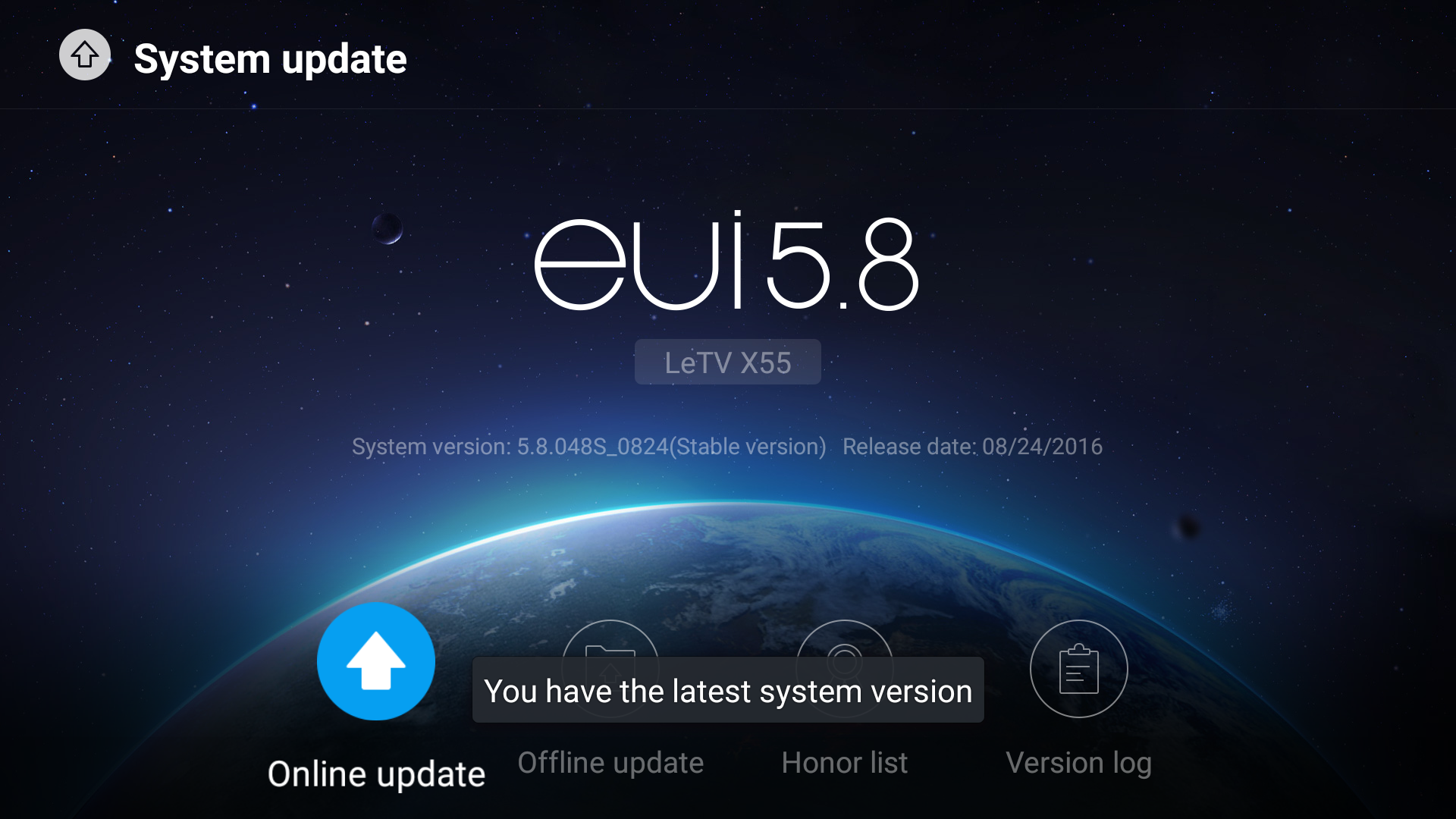
New Update eui 5.8
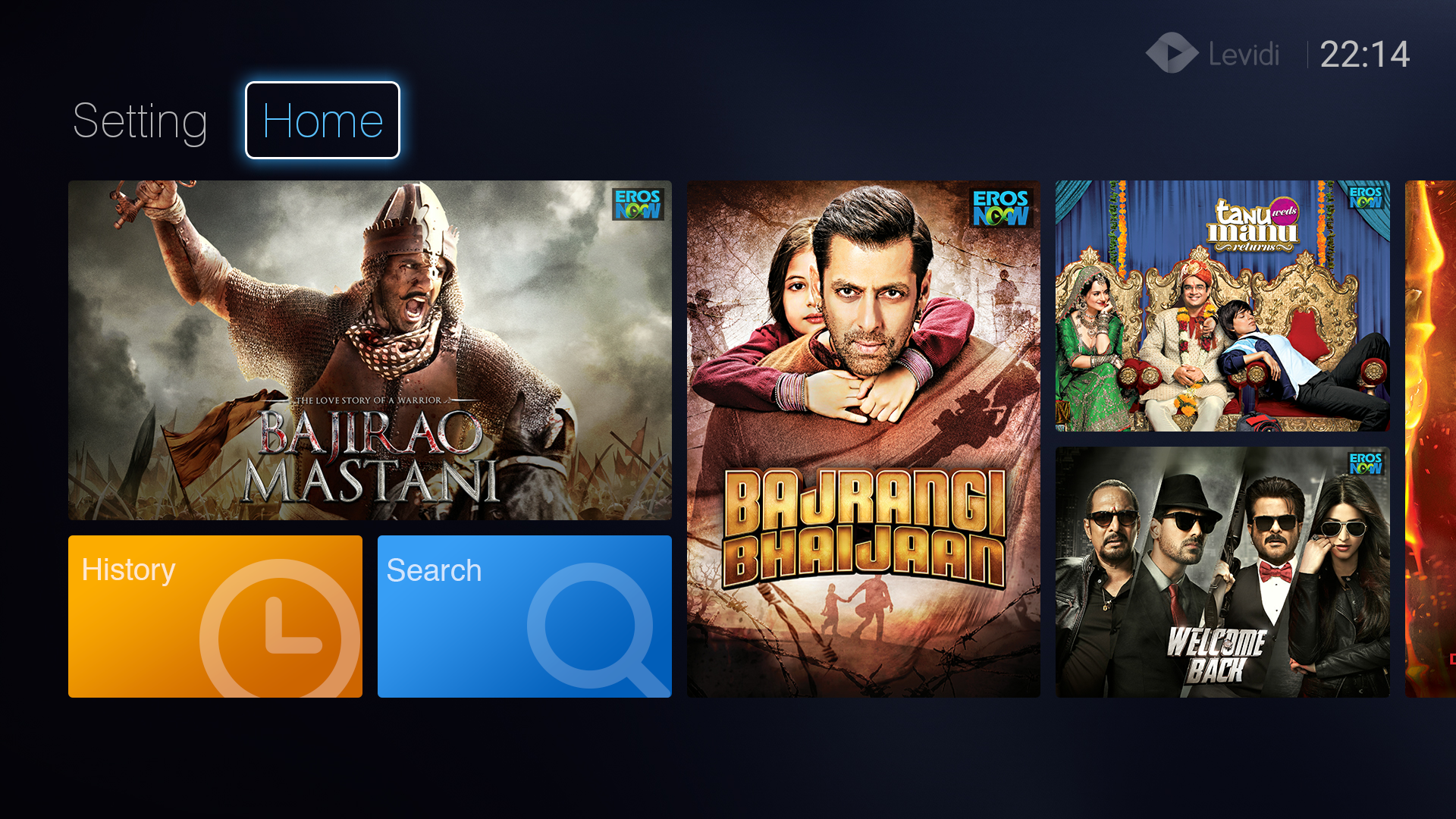
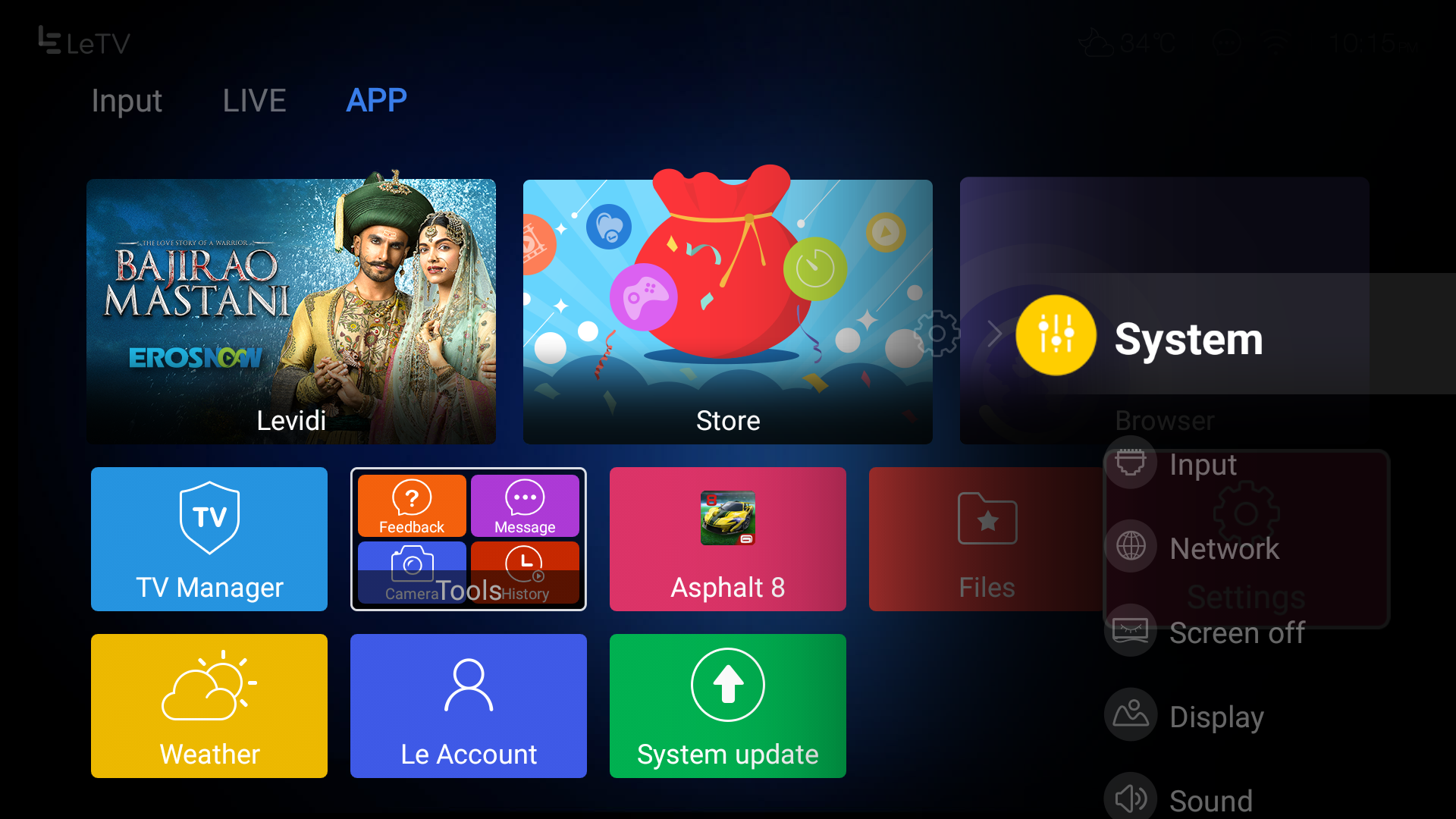
Levidi
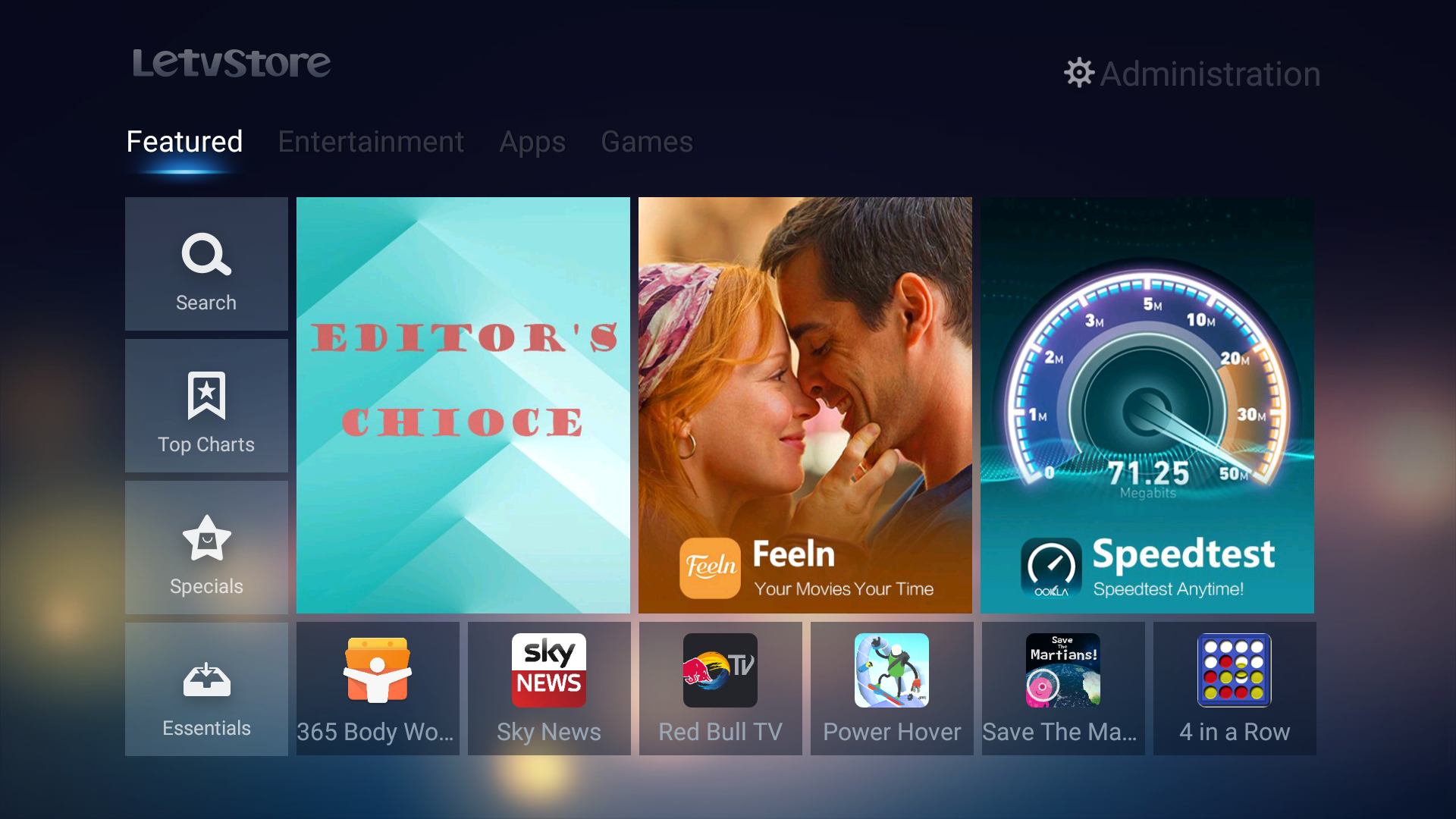
LeStore
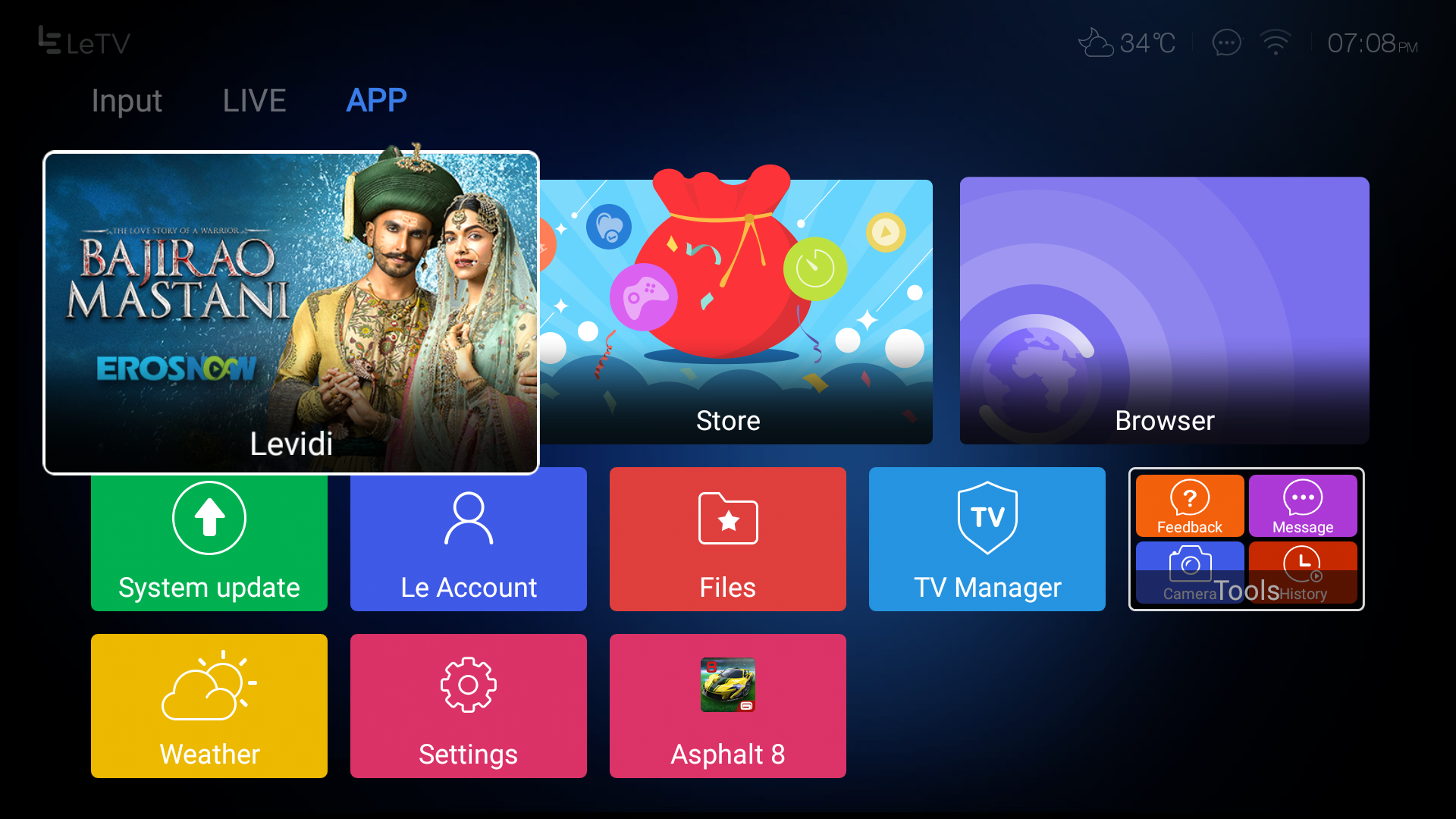
App Page
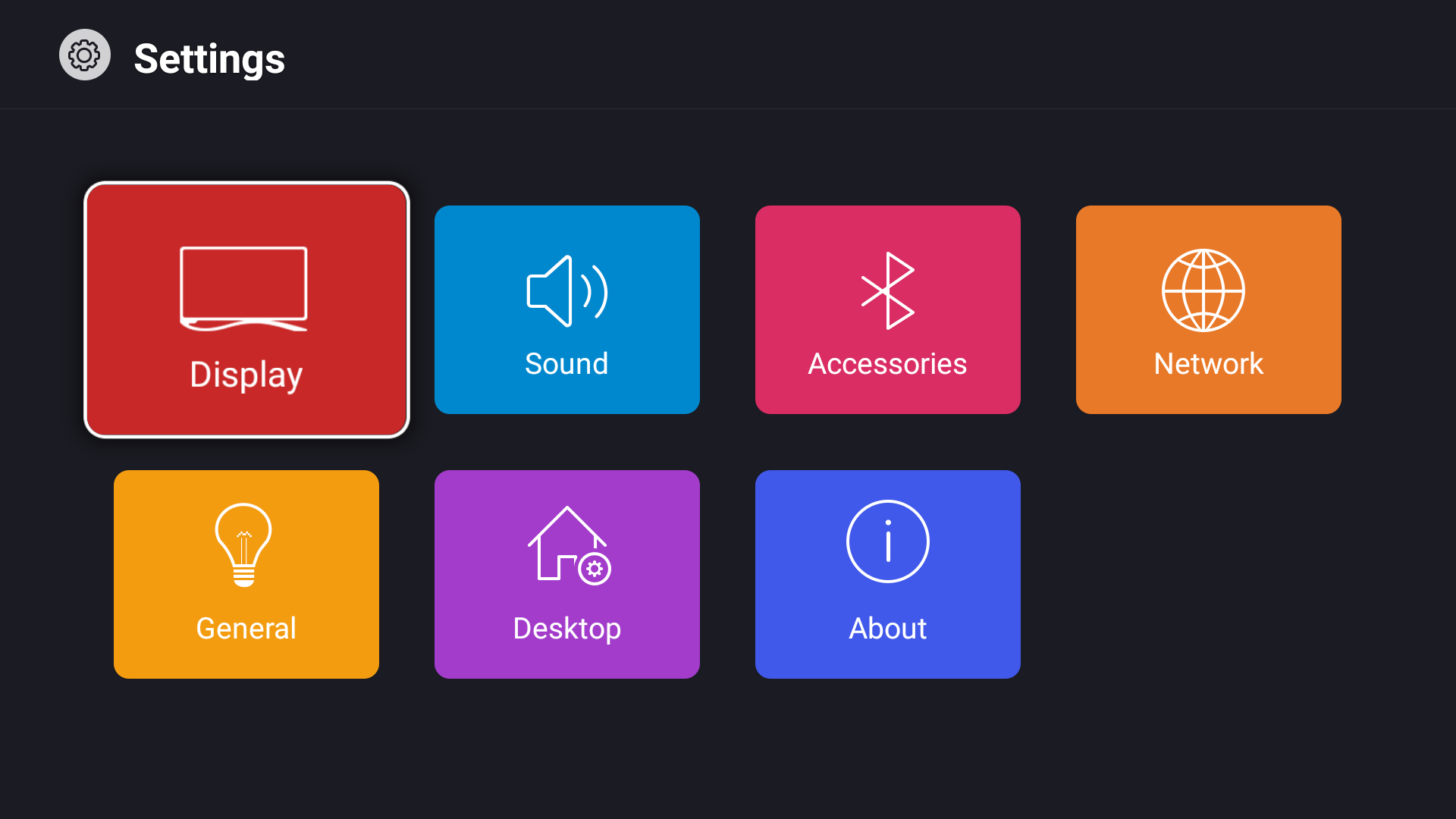
Default Settings Option
Settings
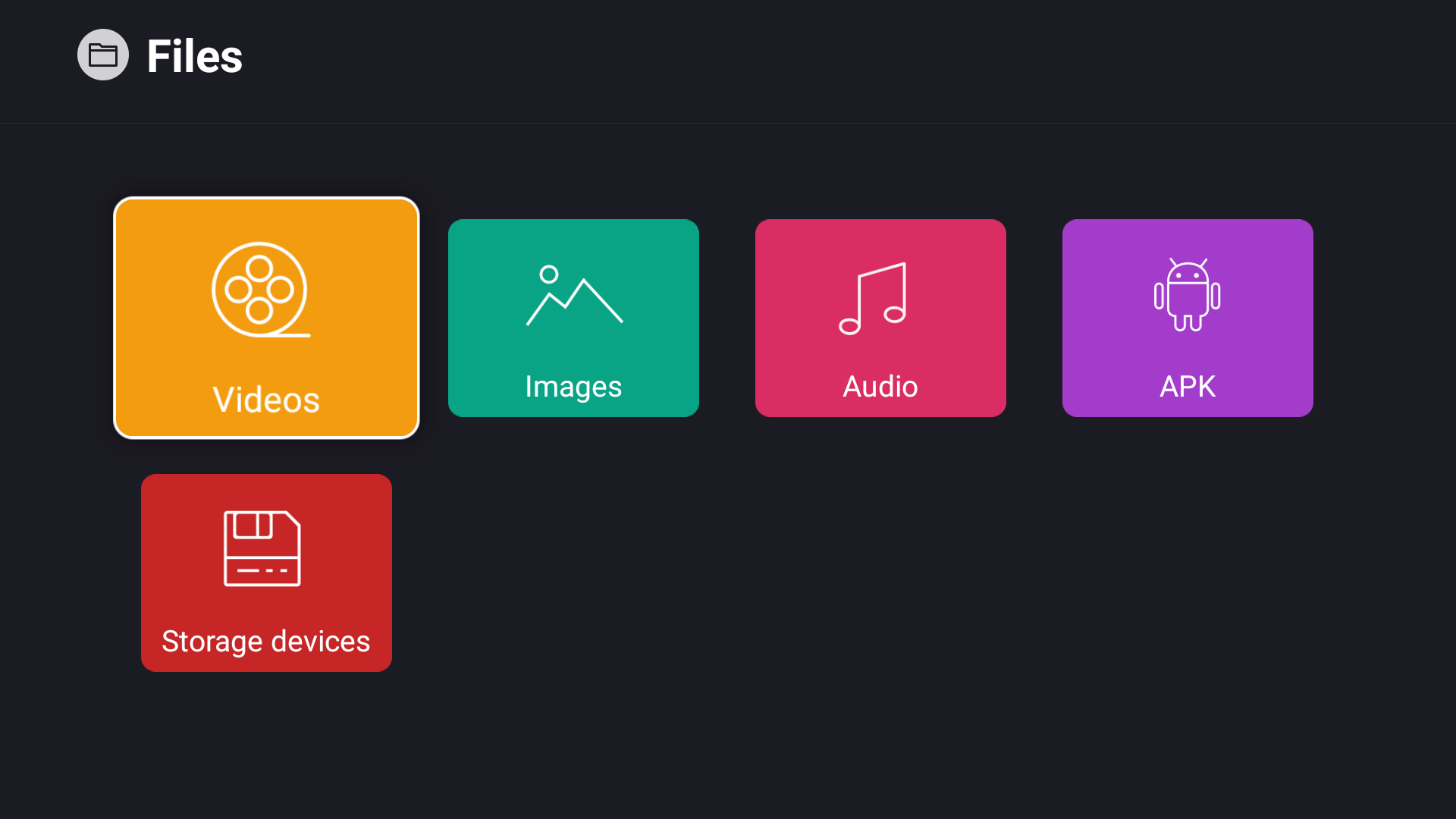
File Manager
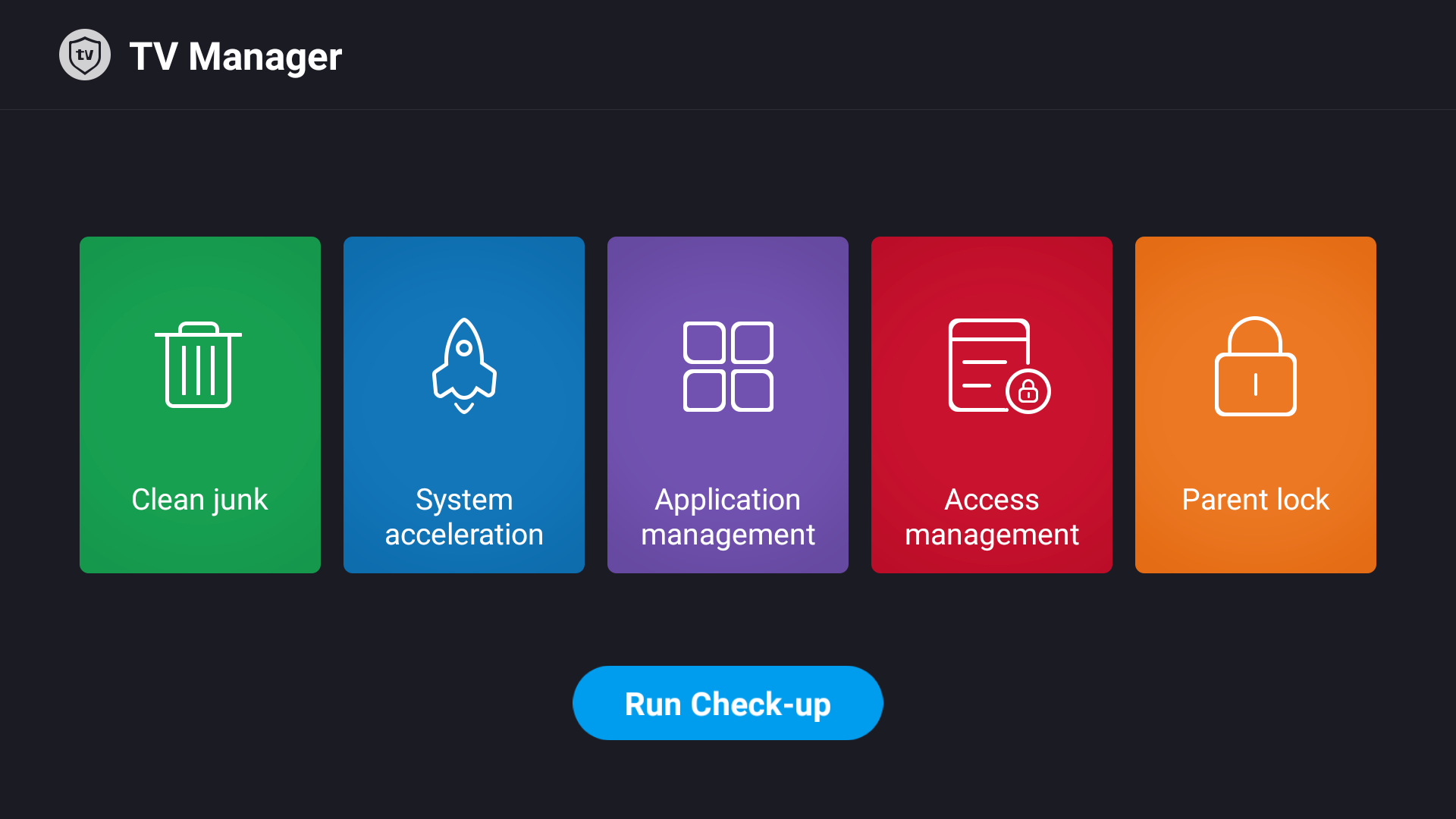
TV Manager
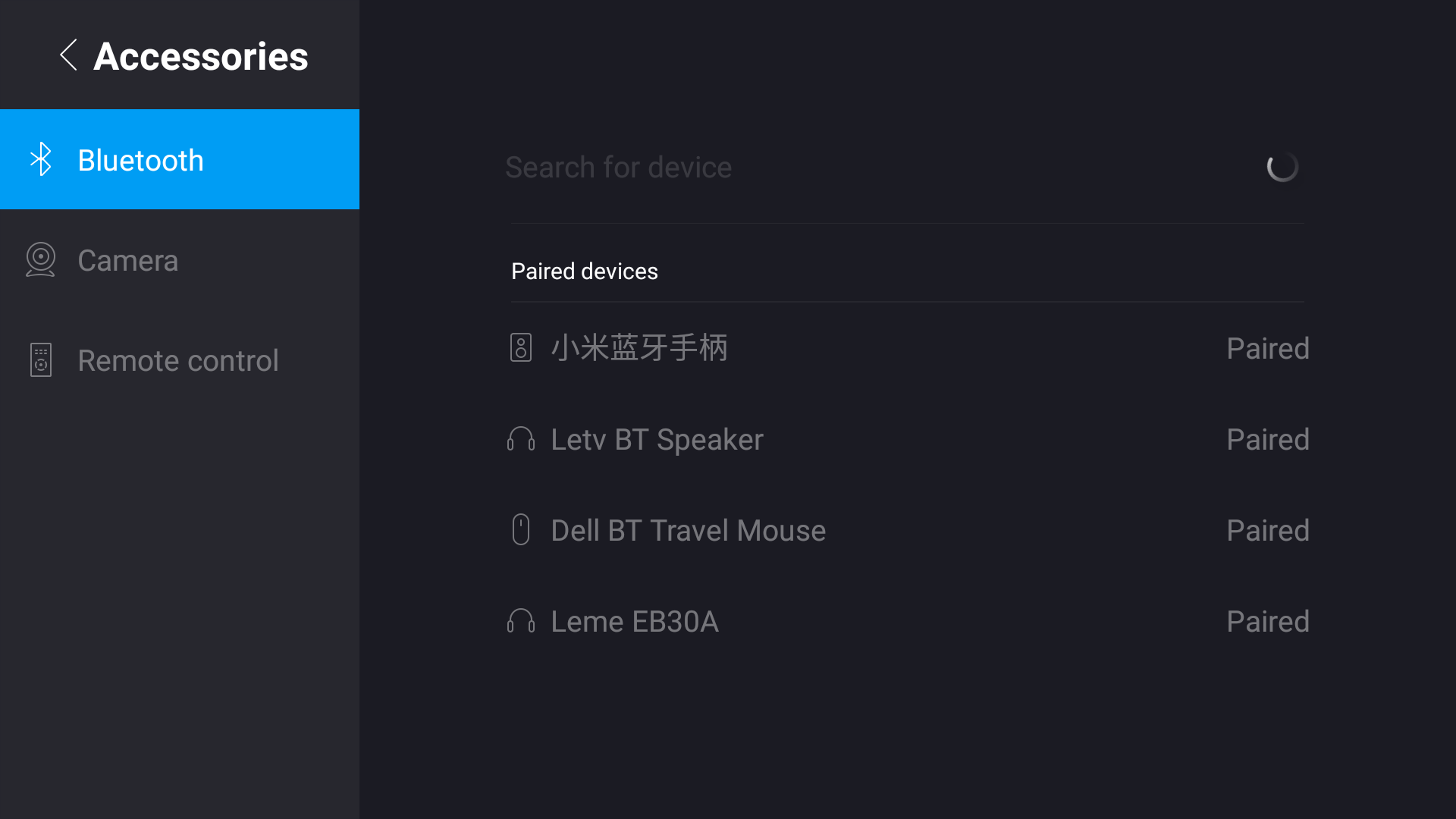
Bluetooth Settings
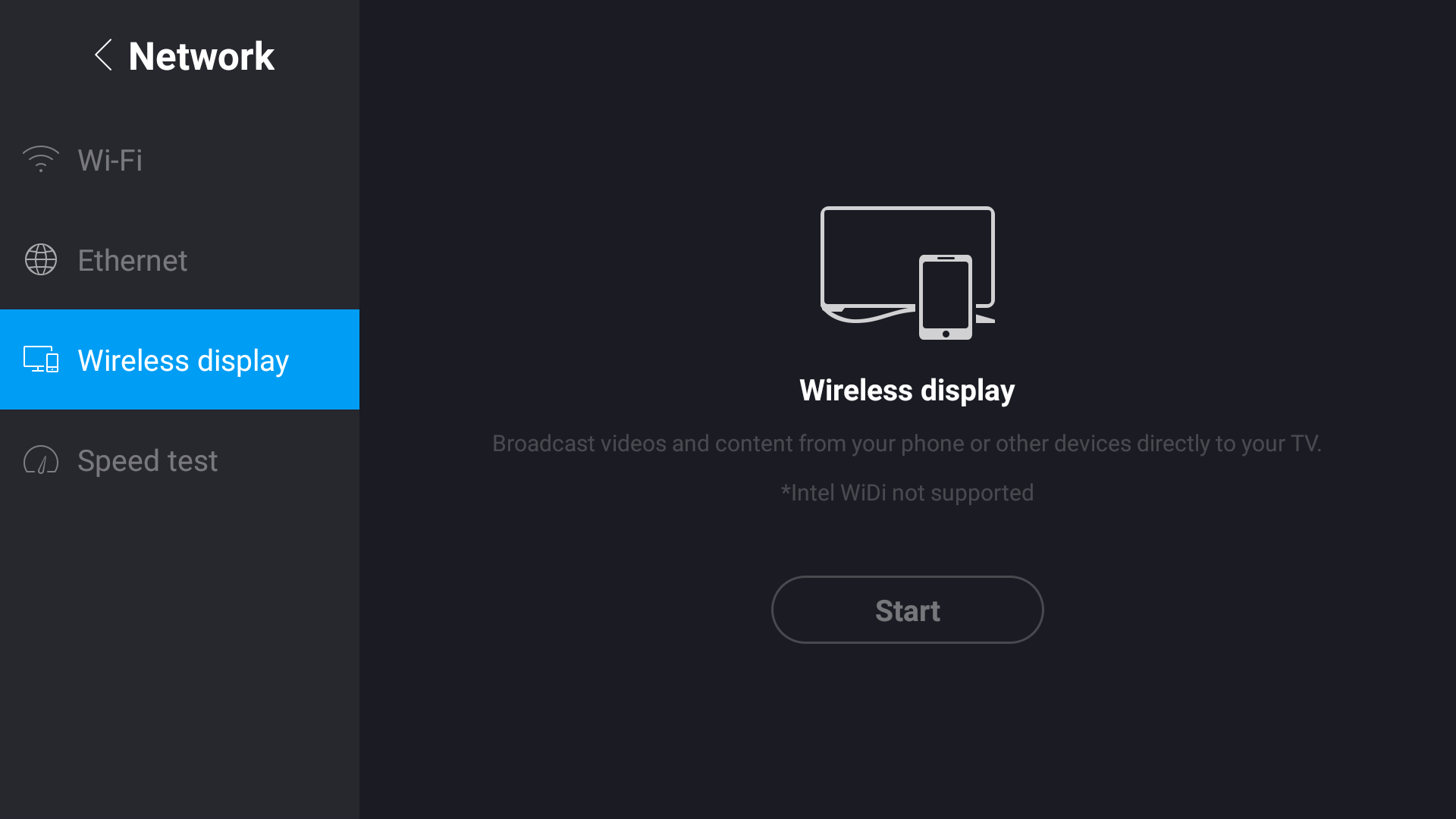
Wireless Display
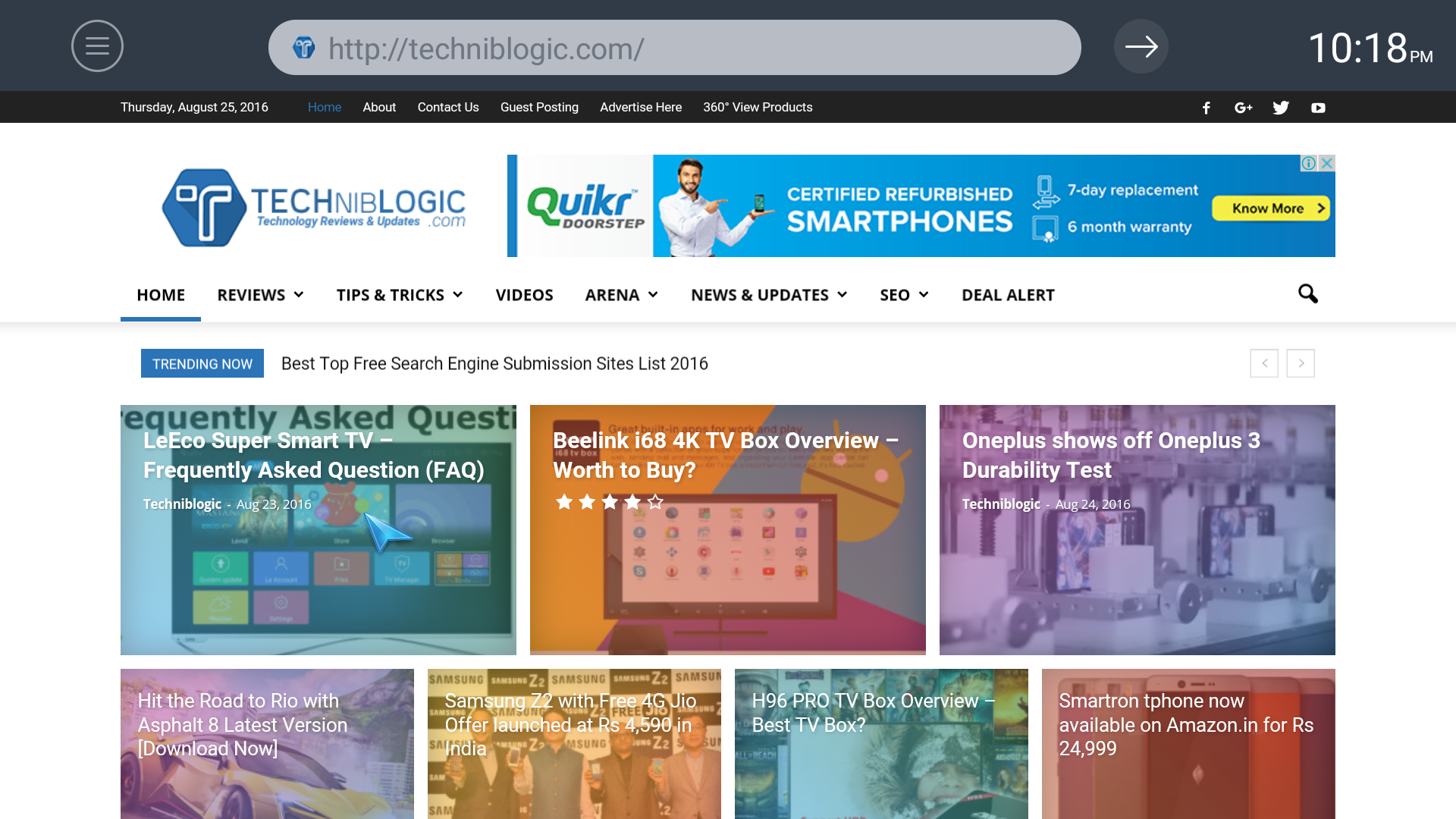
Web Browser
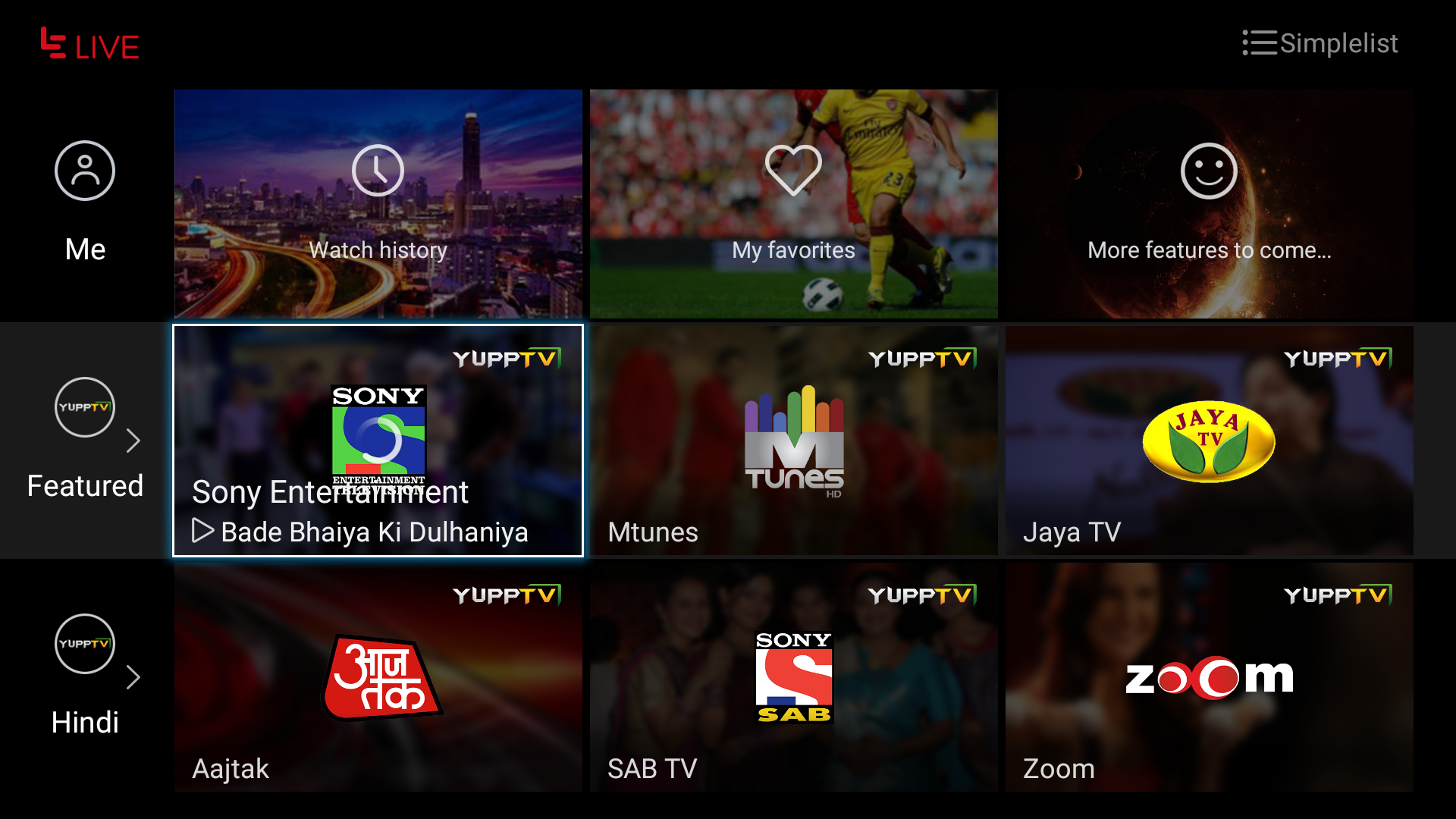
LIVE
Quick Le Options
Weather App
Notification
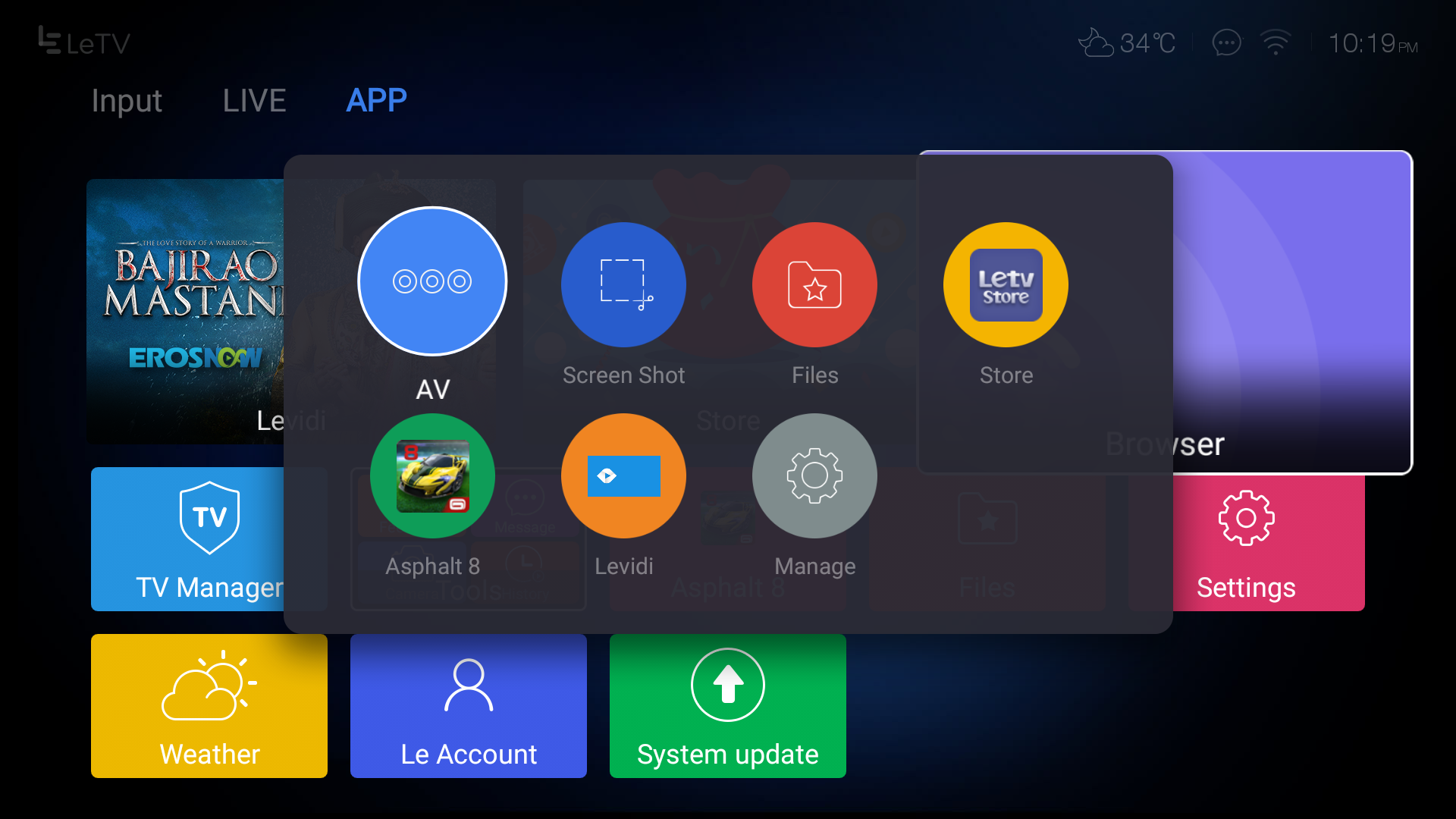
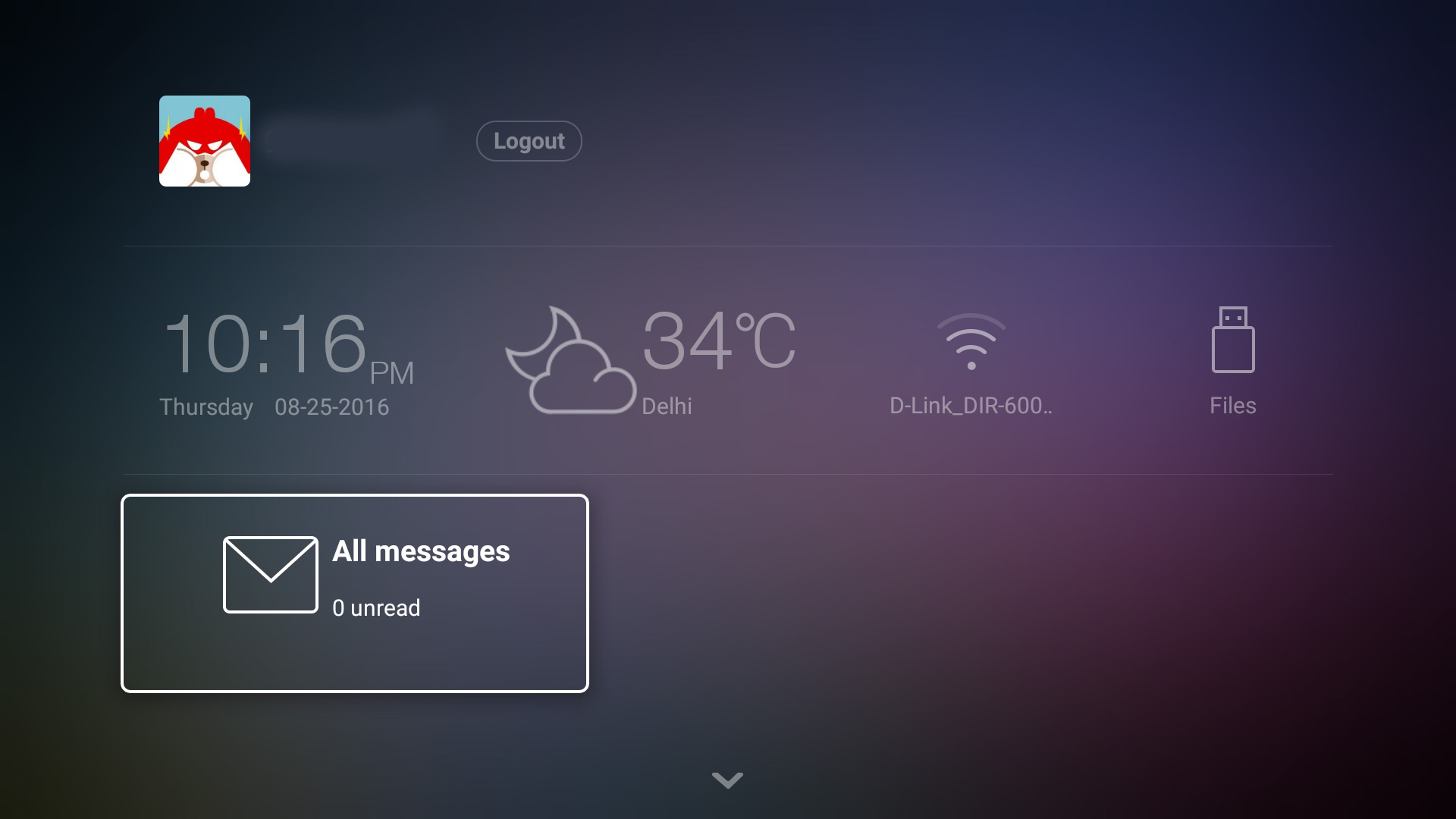
Coming to the UI part of X55 Smart TV it is based on the Android 5.0 and as always like EUI it is being designed well. But here is one drawback with it, that there is no access to google play store, which makes us dependent on LeStore or we need to side load the APK.
When we load YouTube Application we are unable to stream 4K but using a Cast mirror system, we can run 4K YouTube from our phones. Apart from it the UI is pretty neatly designed; the layout of the screen is divided into three parts:
1) Live TV
2) App
3) Input Source
Smart Remote
Coming to the innovative smart remote which we get with the TV itself. There are many impressive features which we in the Remote and the best of them I have selected two:
You can control the TV, using the remote in any direction it is not required you need to face the remote sensor towards the TV, it will be used in any direction which I loved the most.
Another one is the feature of Air Mouse, and you can use the Remote as a mouse and it accurate too. I just like using air mouse in the TV which ultimately make doing all the navigation too easy for anyone.
There is also a voice command button but unfortunately, it is not entirely working with this remote but After a new update the mic in the remote is working, you can record your Voice by pressing the mic button. But still, proper voice control is not there yet.
Premium Membership
1 of 2
Levidi
LIVE
The X55 comes pre-loaded with a two year of premium subscription, which after expiring will cost you about Rs 4500 a year. This subscription will give you the access to 150+ live channels and 4000+ HD movies using EROS NOW.
If you want to buy a New 4K Tv this season, then this one is meant for you. No other company is offering such big thing at this price. The X55 is a great buy because of its brilliant display, design and the premium subscription that comes with the TV. So if you want a smart TV in your house to go for it.
U8 Bluetooth smartwatch is the cheapest smartwatch so far. The device comes in 7.83$ which is Rs. 500 approx. which is shocking for many of the viewer and me also. The device is available on volumebest.com with some amazing coupons.
The smartwatch is a based on android platform, the device has a 230mAh battery which is quite fine for one-day of long use. It has a 1.48 inch TFT LCD capacitive touch screen with 128×128 pixel resolution. The watch has a Bluetooth 3.0 for syncing all data.
If you have an Android phone, then download the app to sync messages or call history to this watch. Its phone book feature displays the caller’s name or number. For IOS phone, app is not available but with Bluetooth connection only call and message function will be present, but may be in future we can see updated app for sure.
The watch has an inbuilt mic and speaker so you can receive call and make calls (which is innovative). An anti-lost alarm function, push notifications, remote camera is also being added; The watch has a sleep monitor, a pedometer, a sedentary reminder, water in-take reminder. It has other features such as gravity sensor, calculator, calendar, clock, stopwatch so it helps to keep a tab on your activities.
In this price bracket the device is pretty good, I mean what all you can expect from a 8$ watch. The build quality of the straps and the watch is not premium but the plastic build is strong and sturdy and in this watch all you expect. Overall the device is quite good for daily use. And if you wanna gift these kind of Gift in any festival you can bulk buy from Volumebest.
you can also check other Smart watches at Volumebest at very affordable price.
Smartron, a company, based in India is set to make its debut launch of its first smartphone, i.e, t.phone. The Smartron tphone smartphone is available on Amazon from today at the price of 24,999 INR. Smartron is India’s first global IoT brand which is “designed and engineered” in India for India & the world. The t.phone is known for its lightning fast performance and a charming design.
Coming to the specification, the t.phone is action packed with a 64-bit Qualcomm Snapdragon 810 processor V2.1 with Octa-core CPUs backed by an Adreno 430 GPU. Which will never let you down in gaming and other activity? The device has 4 GB LPDDR4 1600Mhz RAM which is amazing because you don’t see a 1600Mhz RAM in a smartphone these days, this is a beauty in RAM.
The tphone equipped with a 64GB inbuilt memory, expandable via hybrid SD card slot. It backed by an unlimited tcloud storage which ensures the user will never have to delete their data again. Smartron devices give the user its ‘tron experience’ (tronx), a platform built on the concept of Internet of Trons (IoT).
The ultra-thin t.phone styled elegantly has an incredible unique dual tone scheme. The tphone comes in four stunning colours on matte metal fine finish namely, sunrise orange, classic grey, metallic pink and steel blue.
The device has a 13MP camera with 1.2µm pixel size, a PDAF sensor, and an aperture f/2.0. The company promises zero shutter lag while the image capturing. The audio hardware of the t.phone is great rather than using a standard audio driver they have installed a built-in speaker with sound chamber DTS premium sound, DTS playFi. The device backed by a 3000mAh battery which supports quick charge 2.0 and a USB type-C connector for charging and data transfer.
It has been about six months when the first LeEco device entered into the Indian Market. In this time duration company has created a great buzz among the Indian mind by giving some aggressive pricing. They do a lot of things to create a mindset that LeEco is the best in its price. They tied ups with some local content partners to get LeEco Ecosystem for their customers, which is just awesome. They also started retail stores and collaborated locally to manufacture under the government’s ‘Make in India’ initiative. But apart from this LeEco has some great devices also which make them famous overnight. I had reviewed almost all of their Devices, and you can see them at:
But in the previous month, they just launched their other flagship phones, the LeEco Le 2 and Le Max2, in India. The Le Max2 comes with 4GB RAM and another model with 6Gb RAM, which is bundled with Qualcomm’s Snapdragon 820 processor. It comes in a 64GB variant with 6GB of RAM at a price of Rs 29,999, while the 32GB variant with 4GB of RAM is priced at Rs 22,999.
They have added some unique and exciting feature in both of their device which is not being present in any phone till now, i.e. Continual Digital Lossless Audio (CDLA) standard, which the company claims allows you to hear high-quality lossless audio and that same port used for data transfer via USB Type-C port.
So, now let’s start with Review, where we will explain each and expect for the smartphone.
Build Quality and Design
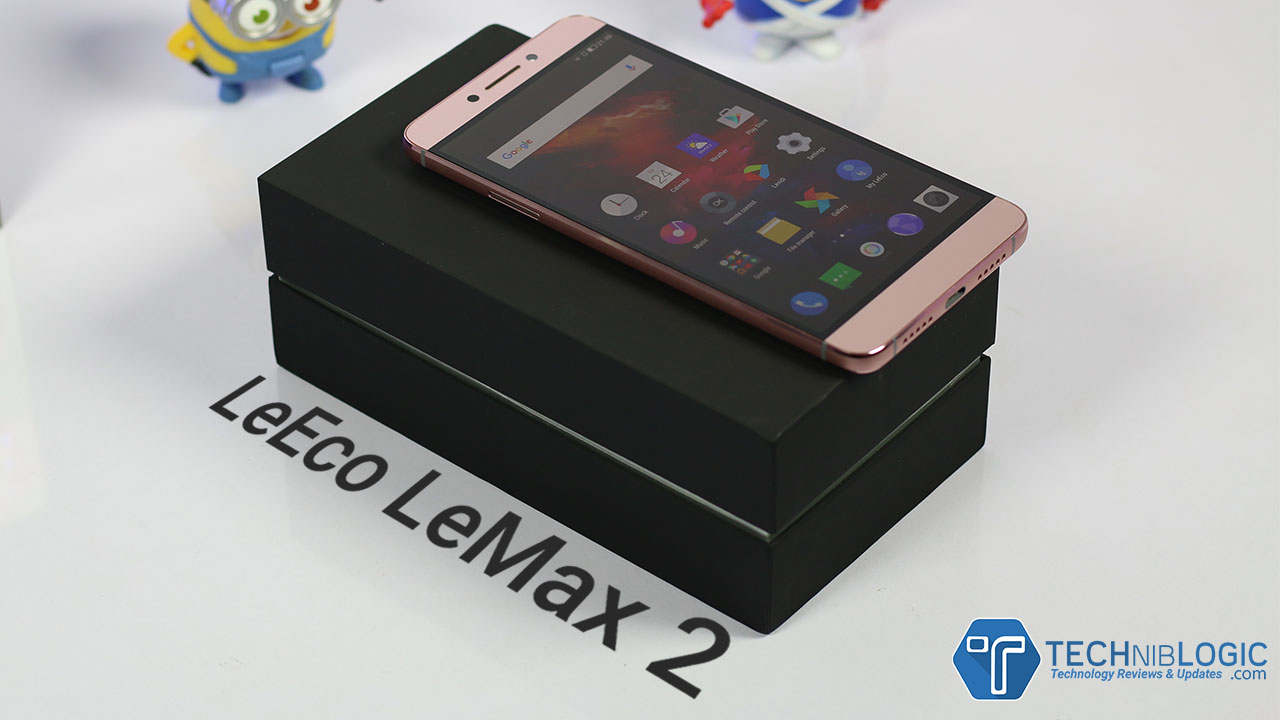
LeEco has not tweaked much into their design when we compare it with their previous models. The Le Max2 follows almost the same design as its predecessor Le Max. Like LeEco other devices Le Max2 is also designed very elegantly and is having full metal unibody in construction. It has silver outlines on side frames and side corners which add humor to the design. For this massive 5.7-inch smartphone, it feels so slim and can easily handle as it comes with a thickness of only 8mm. Coming to the weight, it comes with 185 grams, which is slightly on the heavy side but it doesn’t matter as you will get used to it.
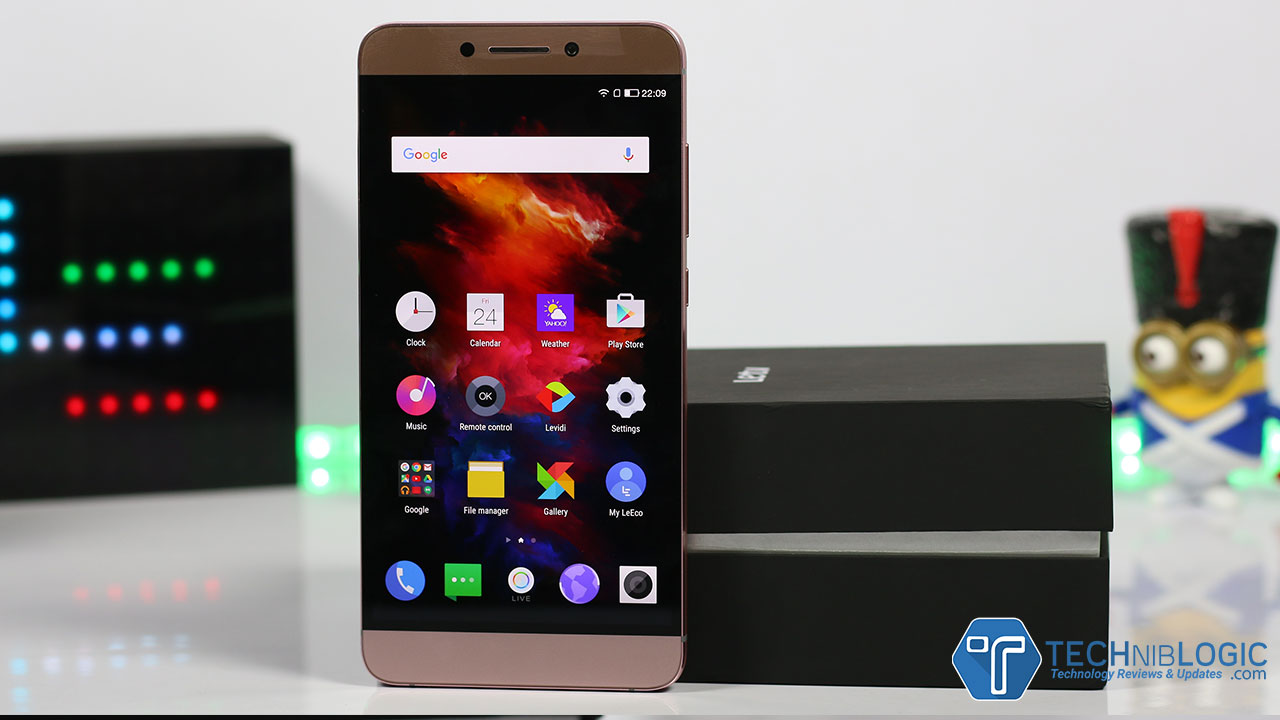
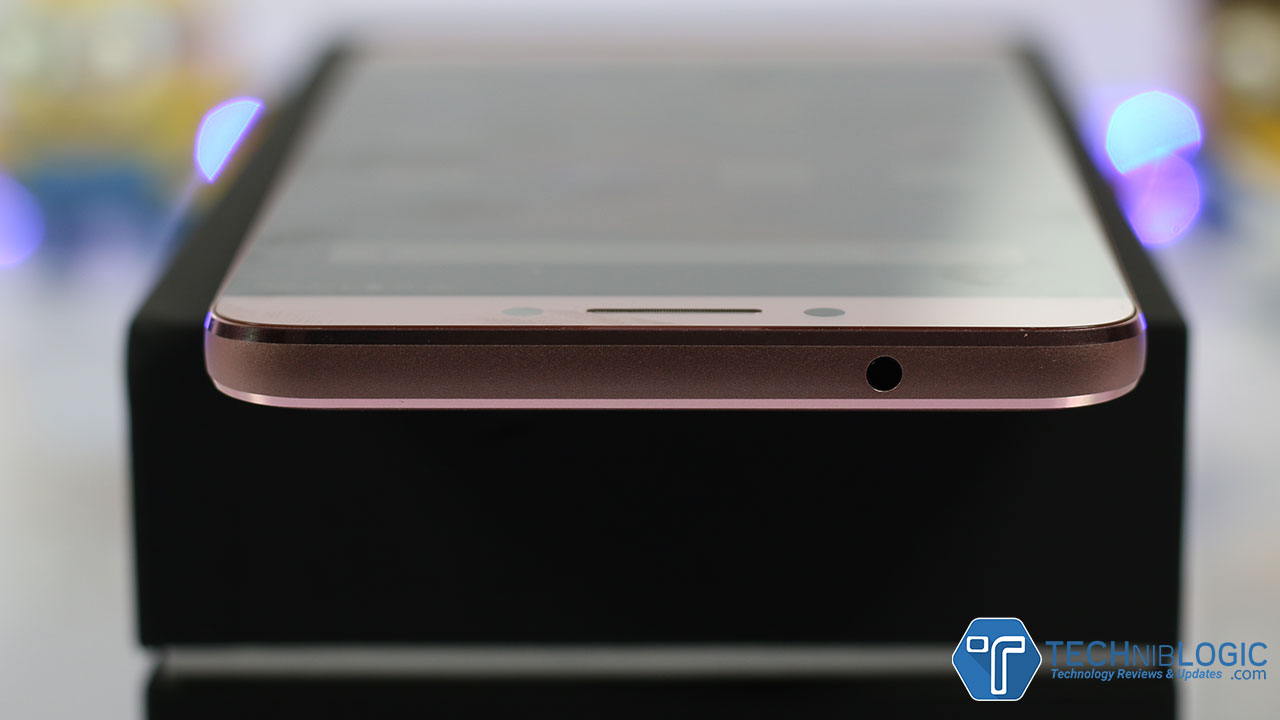
Starting with the front aspect of the smartphone you will get a large 5.7″ Display which is not an ordinary display whereas a 2K display, in which when you watch the video, movie or play games you will just love the quality which it offers. At the Top portion, you will get 8 MP camera with f2.2 which can record the video up to 1080P. Besides that, you have an earpiece and different sensors. Coming to the downside of the phone you will get backlight capacitive keys and no on screen keys.
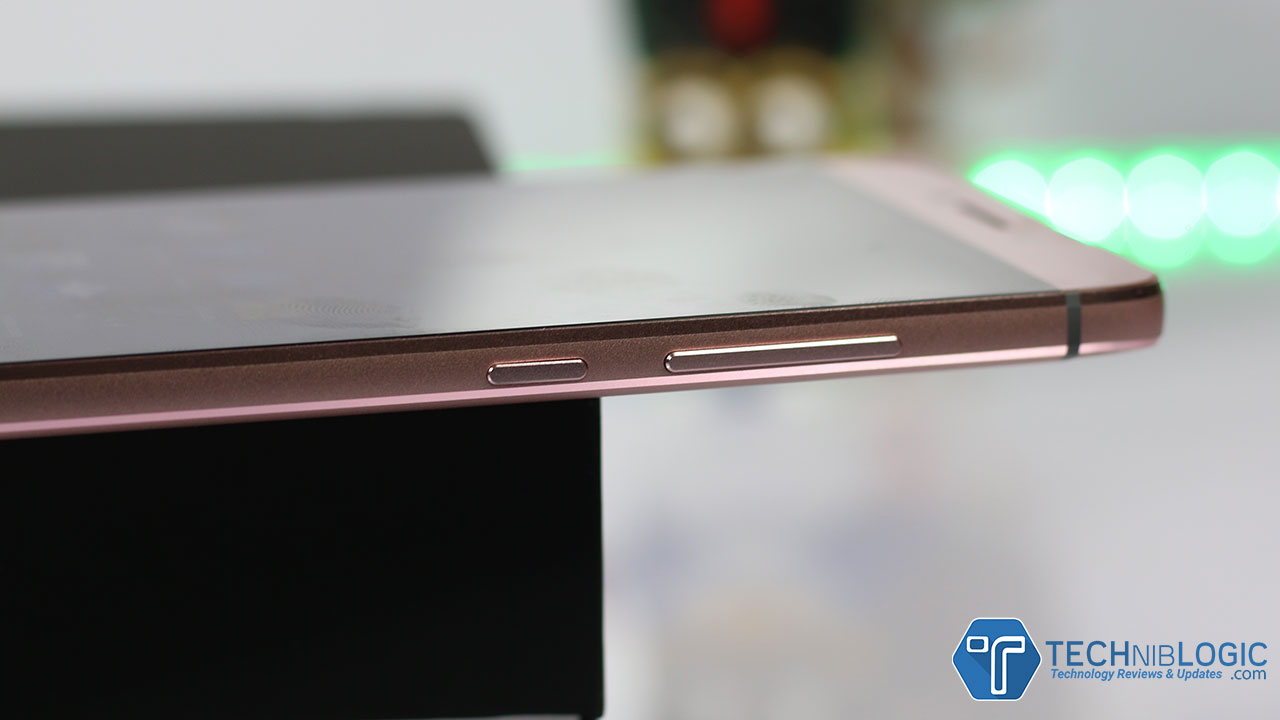
Turning the phone around at right side you will get volume rockers and below that power lock key, which give good tactile feels when you press them. You won’t be finding any complaints when you use those keys on a regular basis.
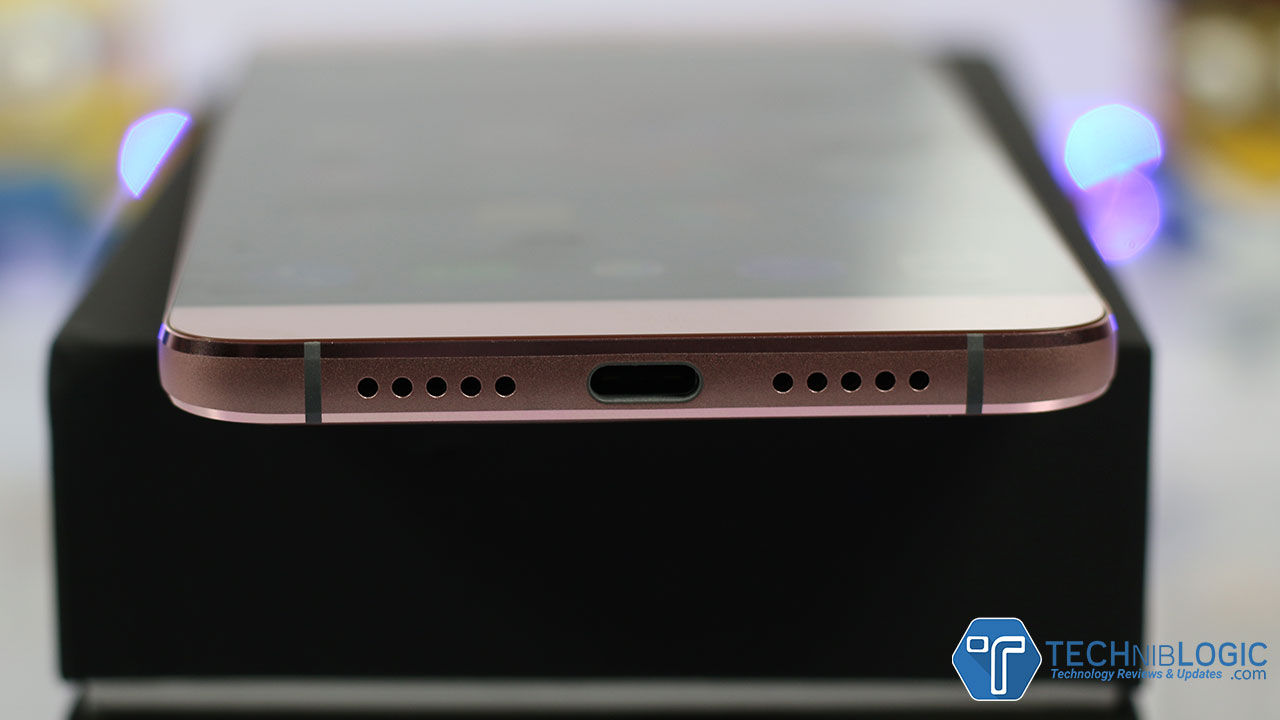
Coming to the down portion of the phone you will get two speaker grills out of which, only right side grill has the actual speaker in it where as the left side grill is having the primary MIC in it. Between them sits the USB Type -C port which also has fast charging capability as well as support CDLA functionality, which is the latest innovation which is being done by LeEco in their Phones. As the Phone has no 3.5mm audio jack, we can listen high-quality lossless audio using USB Type – C port only. It is a positive point in many cases as well as a negative point as well because we cannot charge the device and at the same time listen audio using the headphones. Now, it depends on person to person what is their priority while buying the phone.
At the top portion of Le Max2, you get an Infrared Sensor which is used to control the devices which can be controlled using the remote.
Check the video how to setup LeEco universal remote App:
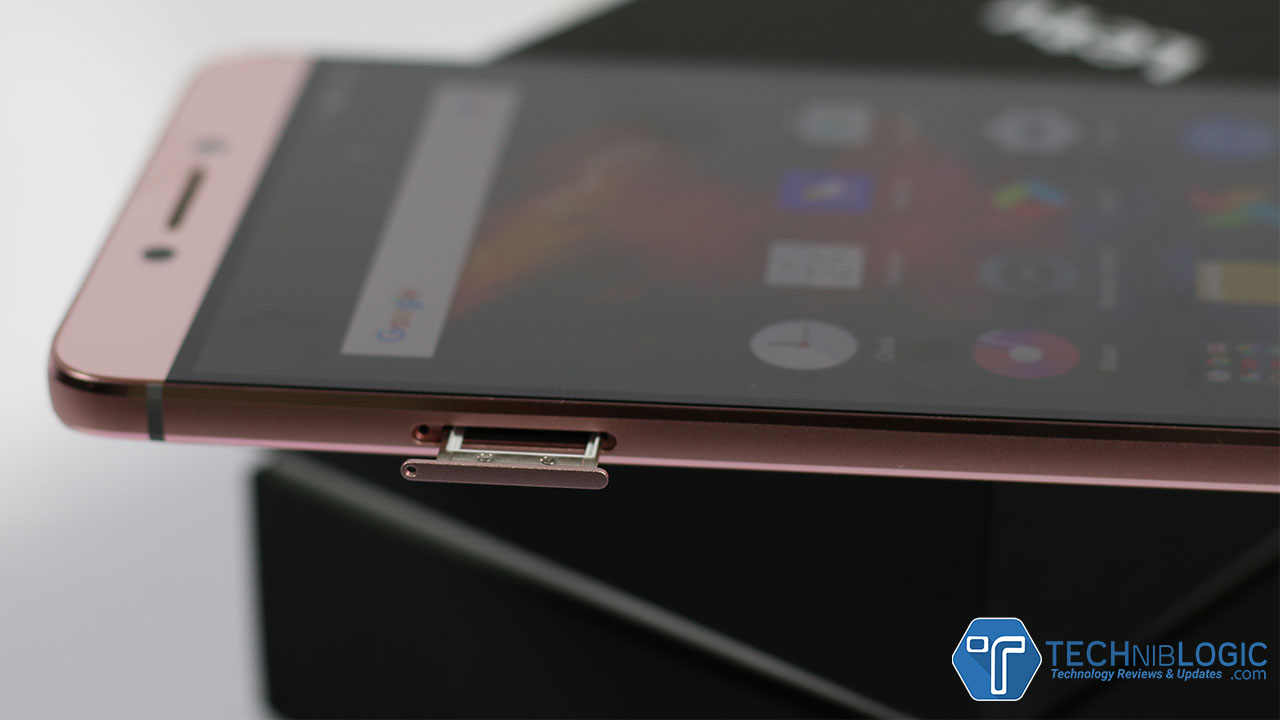
Turning around to the left side of the phone you only get the shepherded edges with a SIM Tray, which support Dual SIM’s only and no Micro SD card which is also a downside of the phone. This device which we are testing is 4 GB variants which mean only 32 GB is there and out of the box you only get 25 GB for use and is not expandable, but the best part is that we can use OTG pen drive in its USB Type – C port.
Display
The LeEco Le Max2 as already explained comes up with 5.7-inch large IPS LCD with QHD, or we can say 2K resolution (2560×1440 pixels). It makes a whole lot of difference when you watch HD videos or play high intense graphic games. But you can play 4K videos on YouTube and take my words clarity is impressive(Please take care of data as well when to play such HD content). You will easily be able to see the difference in quality between FHD and 2K display. Overall viewing angles are excellent, and coming to the sunlight visibility, you need to increase the brightness to full to get it’s best when using the phone in sunlight. You can also change the display tone by playing with the setting on the phone.
Software
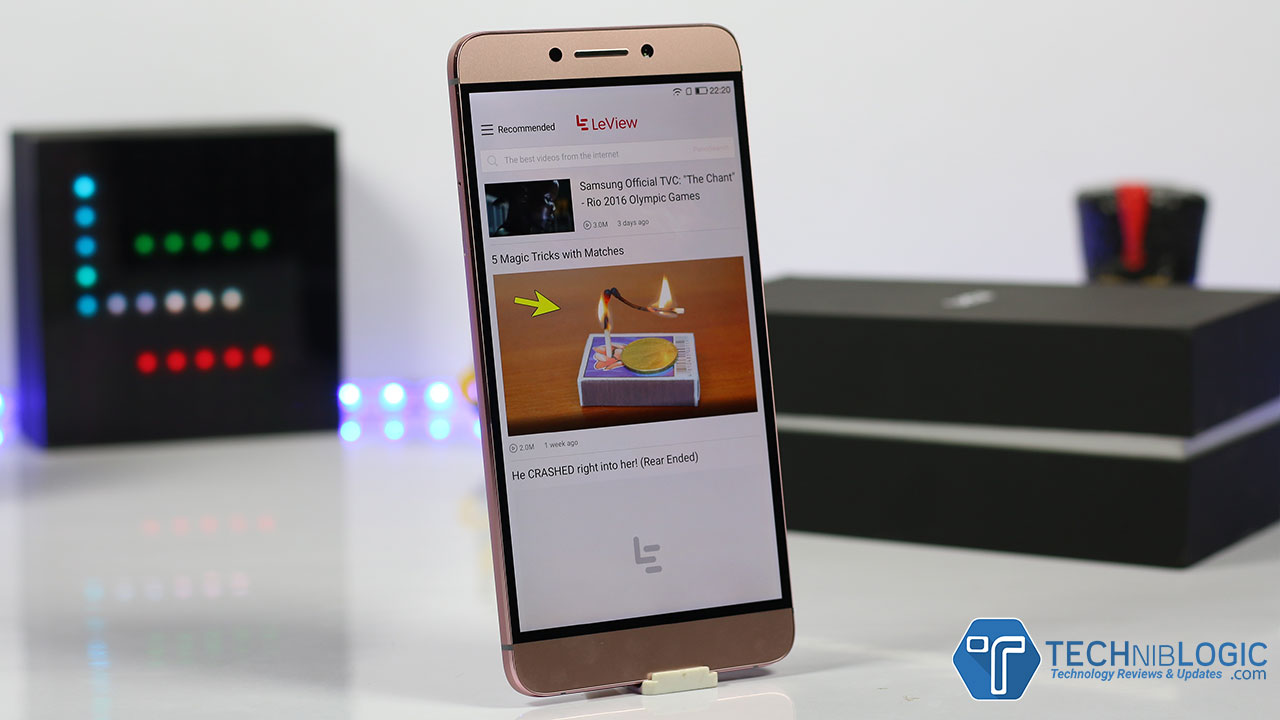
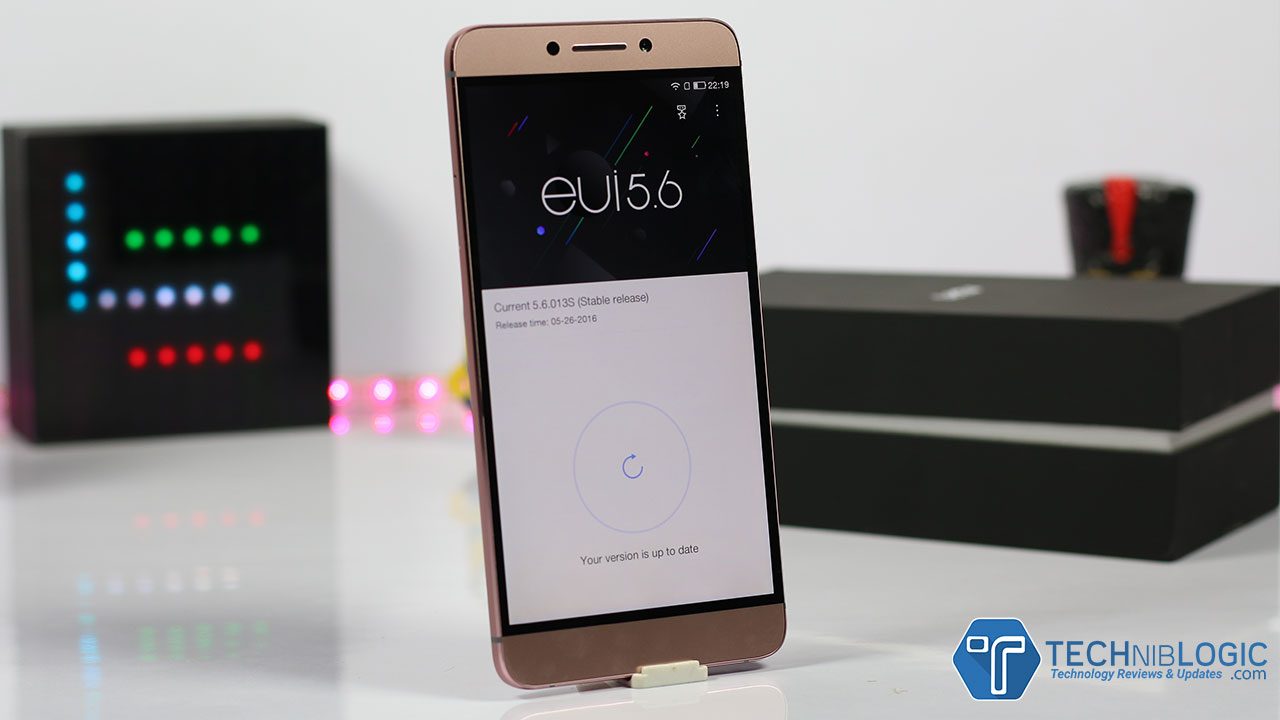
The Le Max2 as always runs on their custom UI which is eUI 5.6 and based on Android Marshmallow 6.0.1. eUI is a customized OS and nothing much changed in it from the past phones. Everything is almost same nothing much is being changed, only RAM management is now better which means better battery life. You will also get Le Content free for one year in which you will be getting a lot.
The Le Max2 is one of the top end devices which runs on Qualcomm’s Snapdragon 820 processor. It loaded with 6GB as well as 4 GB RAM Variants and Adreno 530 GPU, and the Le Max2 easily handles smooth graphic intensive games like God of Rom, Assassin Creed Etc. The phone doesn’t even heat up while the long game plays. Doing Multitasking, Switching between apps is smooth enough to handle everything. I don’t find any lag while using the phone. A smartphone with 4GB of RAM is more than enough to me and complete all my work in time.
Fingerprint
Coming to the fingerprint scanner on the device, I will say it is just OK not too great by snappy. It unlocks the smartphone but not as quickly as we see on Le2 or Le1s, it might be some software issue and in the future, the update can be taken care off. The fingerprint area section is quite large, which means it might be a problem to find that place quickly.Rest everything works fine over here as well.
Camera
At the back of LeEco Le Max2, it has a 21 MP large camera with PDAF, OIS, and dual tone LED flash. The Le Max2 comes out with some excellent results in light conditions. Everything is near to perfect like brightness, contrast and saturation levels in the normal mode.
What I missed in the camera application is the Pro Mode where we can set everything manually even the focus can be adjusted manually. Hope they will get this soon in the update as well. You can even take the slow motion videos at 720p resolution, which is decent but, slow motion is stuck to 120FPS only.
The camera quality is decent in low light conditions but at some points, you will see some noise in the images, but overall the camera works fine.
For selfie lovers, the 8-megapixel front camera on the Le Max2, you going to love it. It comes with a beauty mode and takes excellent shots.
Battery
In battery section, this time, LeEco missed out something. The 3,100mAh battery doesn’t last you a day on heavy usage, but if you are a moderate user you can easily last for a day. It is because they have added a 2K display and no way to low down the quality or increased battery from the previous devices. But after this also on moderate-to-low usage, you can draw a day of life.
The smartphone also comes up with some battery management tweaks in setting panel, and you can adjust those to get maximum out of it. But here we have a positive point as well, the phone support Quick Charge 2.0 for fast charging, and take my work in 55 Minutes you phone will go from 0% to 100%, which is just amazing. But you need to carry the USB Type-C cable or a portable charger all the time which support Quick charge facility.
Gallery
1 of 12
Conclusion
Overall the device is good at this price, the hardware is good, looks are brilliant, and everything works fines. But the fingerprint is not as accurate due to some software issue, may in the future update they will solve the problem. New CDLA innovation is present there in the phone. I will prefer you to buy 4 GB variant instead of 6 GB variants.
Pros
2K Display
Great Camera
Feels steady
Performers Good
Cons
Fingerprint Issue (Due to software)
The battery on heavy usage won’t last the whole day
As we know that the TV box are new mini PC these days, most of the cheap Chinese manufacturer are building it up and trying to cover up the market of the Tv boxes. Belink i68 TV Box is the new device which offers the same type of configuration similar to other devices in the same price bracket. The device is available at Volumebest.com, the device has a single variant 2G+16 which is priced at 53.02$ to 57.84$. The device is also available on hole sale basis.
Coming to the specification of the device, the device comes with an android 5.1 and a Rockchip RK3368 64-bit cortex A53 Octa-core processor. The device is packed with 2GB of ram and 16 GB of internal storage which is expandable to 64GB.
The connectivity section, the device has Wi-Fi 802.11 a/b/g/n, a Bluetooth 4.0, HDMI 2.0 connector,3 USB ports and one OTG support. The device also has XBMC support which helps in 4K video playback and all type of media format support.
Specifications
General
Brand: Beelink
Model: I ONE i68
Type: TV Box
System: Android 5.1
CPU: RK3368
Core: Octa Core
RAM: 2G
ROM: 16G
Max. Extended Capacity: 64G
Color: Black
Media Supported
Decoder Format: H.264,H.265
Video format: 1080P,4K x 2K,AVI,DAT,ISO,MKV,MOV,MP4,MPEG,MPG,RM,WMV
Audio format: AAC,FLAC,MP3,OGG,RM,WMA
Photo Format: BMP,GIF,JPEG,PNG
Product weight: 0.201 kg
Package weight: 0.620 kg
Product size (L x W x H): 12.00 x 12.00 x 2.40 cm / 4.72 x 4.72 x 0.94 inches
Package size (L x W x H): 16.00 x 13.50 x 8.30 cm / 6.3 x 5.31 x 3.27 inches
Package Contents
Package Contents: 1 x Beelink i68 TV Box UHD 4K HDMI 2.0 Mini PC, 1 x Power Adapter, 1 x HDMI Cable, 1 x Remote Controller, 1 x OTG Cable, 1 x English Manual
Before a month ago, I got problems with my Laptop like shutting down suddenly and flash player crashing due to the overheating of the CPU. This was caused due to the high spike usage of the CPU. Also, I got problems browsing like Twitter and Facebook on my Chrome browser, so I searched on the web for reading articles related to this. I switched to Firefox also but got the same problems.
After that, I opened my Laptop and cleaned its fan, air intake, CPU, heat sink, and then applied a thermal paste on the CPU and GPU. This didn’t give the solution why the flash player was crashing, but yes, it reduced the temperature for up to 10 to 15 degrees and set at a much comfortable level. This thing made me realize that how important the thermal paste is for our CPU (When I think If I had not decided to open the laptop and applied the thermal paste, what will happen to my laptop. Maybe it will be exploded due to overheating!!!!!!). So, I felt that all the other geeks like me should also know about this important thing and compiled this article.
What the Thermal Paste is?
A thermal paste, which is also known as a thermal grease is a heat conductive adhesive which promotes the better heat transfer from the processor to the cooler. It fills the gap between the CPU and the heat sink. It is applied between the CPU and the heatsink. Generally, the thermal paste comes in a white tube with a squeeze design.
Types of Thermal Paste
There are two types of a thermal paste: Conductive and Non-Conductive
A Conductive thermal paste contains copper, silver, and aluminum which give a great efficiency in heat transmission.
The Non-Conductive thermal paste contains Zinc oxide and silicon like lesser compounds.
Does your CPU need a Thermal Paste?
A thermal paste or a thermal compound is a crucial thing for you CPU. Generally, a cooler is attached with the CPU to remove the heat from the processor. It eliminates the air gaps between the heat sink and the heat source (your CPU) and gives a better mechanical strength to the CPU assembly. So, if you use the thermal paste regularly, it is good for your CPU health and performance. Especially when you are overclocking, it’s better to have a best thermal paste for CPU.
Applying a Thermal Paste
If you found a presence of a thermal paste already between the CPU and the heat sink, then you should remove it first. Slowly take away the thermal compound by taking care that the cooler base is not scratched overly. Take a cotton ball and soak it in an isopropyl alcohol and then rub it on the cooler base. This will completely remove the thermal paste from the cooler if there is left any. After this, apply a small drop of the thermal paste on the cooler base. Replace the heatsink then. The best method is to use the “glob method”, in which you put a glob of the thermal paste on the chip, and then let the spreading process done by the heatsink itself. This is a general method for applying the thermal paste. There are chances for some more specific directions for a particular CPU. It is advisable to read the user manual for your CPU first.
Remember This
You should avoid putting the paste too much. If you apply the paste more than needed, then there are chances that the heat dissipation may spoil and if it may get in contact with other PC components like capacitors and resistors, then it may cause a short circuit. You also must remove the seal which is placed on the part between the heat sink and the processor immediately. You cannot check whether the paste is applied evenly between the components or not unless you separate the CPU and heatsink. And if you separate them, the whole process of removing and reapplying the thermal paste should be done again. You can use an old credit card or a plastic-covered finger to spread the thermal paste after dropping a dot on the cooler. This is the best method to use.
In the End
It is not like that the other methods are totally wrong. The choice is yours; it depends on how you can understand the method and use your experience, practice, and comfort level. The most amazing thing about the thermal paste is, it is not permanent. So, if you have done anything wrong, you can simply remove it and try again to reapply it! One thing for sure is, it’s a basic and essential thing for your CPU. If there is anything I missed, I will love to hear from you in the comments below.
Thermaltake is finally here with there new add-on to CRONOS family, the CRONOS AD. This is a highly professional gaming headset that features an auto-adjusting headband that sounds awesome. The CRONOS AD adds up with a retractable microphone that makes headset better in overall quality. For professional gamer’s, the CRONOS AD headset is highly affordable and gives high-quality sound to all gamer’s.
Auto-Adjusting Headband
They have used the Old method for head band in a new and innovative way as of the new CRONOS AD’s headband features up pad and ear cups that were made with some breathable mesh fabric that automatically minimizes pressure to the head and can auto adjust, which will make you more comfortable during long gaming sessions.
Inline control, Retractable & Bendable Microphone
The CRONOS AD comes with retractable microphone that gives the headset a clean look when microphone is not being used. The mic can easily be pulled out from left ear cup when you don’t require it. There is a inline controller for game volume, chat volume, and toggle microphone mute that allows you to control the volume with just a push of button.
LED Lighting
There is some good looking Red LED illumination on the ear cups and microphone which looks good when you are playing.
Boosted Bass with Optimum Frequency Response
CRONOS AD gaming headset comes up with a powerful 40mm driver and some high-energy magnets that produce a high frequency response (20Hz – 22 KHz). This will ultimately give you exceptionally powerful bass output.
Flat Design with Detachable Headset Cable
CRONOS AD’s comes with flat cable design which never get messed up. It also comes with a USB cable which is used to instantly switch between PC and mobile use.
The Thermaltake Tt eSPORTS CRONOS AD Gaming Headset is now available in India online exclusively through MDComputers.in and offline via Thermaltake authorized partners.
Samsung Z2 comes up with its first 4G enabled Tizen-powered smartphone with Free Jio preview Offer. This device comes up with Samsung’s ‘Make for India’ Project . It also adds up some great services like Ultra Data Saving mode, S bike mode, and the new My Money Transfer.
Samsung Z2 comes with the Jio Preview Offer to avail free voice and data services in the trial period, i.e., 3 months. Z2 users can also get access to premium Jio apps during the 3 months Free Jio Preview offer. It will be a perfect phone for having a brand quality as well as Exclusive offers at such a low cost.
This device comes with 1.5GHz Quad-core processor, 1GB RAM, and 8GB internal memory which can be expandable up to 128GB with an SD card, this device also supports dual SIM which may help you to access both Jio sim and your personal sim at the same time. For such phone 1500mAh battery will be good to run a day but massive 4G usage can make battery problem, it also has Samsung own ‘Ultra Power Saving mode’, which keeps the phone operational, even at low battery levels.
Samsung Z2 equipped with a 4” WVGA screen which allows consumers to enjoy games, videos and other multimedia content to the fullest with that resolution. The smartphone has a 5-megapixel rear camera with LED flash and a VGA front camera which is average in that price segment. Samsung Z2 equipped with a built-in app that enables users to manage transactions efficiently and generate mini bank statements.
Samsung Z2 has priced at Rs 4,590 which is the very reasonable price as it is giving a lot with a big brand trust like Samsung. You can buy this phone in India from August 29, 2016, in three colour variants that are Gold, Black, and Wine Red, across mobile phone retail stores. If you want to buy this phone Online you can only get from Paytm exclusively.
LeEco is the company, the day it entered India shake the whole smartphone market by releasing their flagship at very affordable price and specs. Now again they have shaken up the market by launching the trio series of their TV’s. The quality, specs and the price at which they are offering the TV, will blow your mind.
Now coming to some of the questions which my viewer commented and asked in my previous Un-Boxing Video of Supper 3 x55.
Starting with:
Does LeEco Super Smart TV Support external Drive?
Yes, It does support external HDD, I have tested Up to 1 TB, and it is working without any extra power. It will detect all your data, and you can easily play Movies, Videos, Songs, Images Etc. Using HDD. Almost all kind of Codec will work while playing the Video or Movie like MP4, MKV, etc.
Does it Upscale the Videos?
First coming up what is up-scaling, it just means playing your HD video into a 4K video. It is something different. You can play any quality on LeEco TV. Quality will depend on your source which you are playing. Doing upscaling just zoom out the lower quality source to higher, but the quality remains the same, so just forget it.
Is there Any Cam Card System?
No, you need to install a Setup Box separately beside your TV to watch different channels, there is no slot for inbuilt Setup box in TV.
Can you play YouTube, photos, etc. on LeEco Smart TV Automatically?
Yes, You can Install YouTube on TV using LeEco App Store, and play all your YouTube video on it. Coming to the photos, yes you can play photos as a slideshow, you just need to open the gallery or file manager, open the image, and you are ready to go.
Can we add Play Store in LeEco Super Smart TV?
No, You cannot Install Play Store on TV. LeEco has their own LeEco App Store present on the TV with Limited apps, but wait this is not enough you can side load the APK’s just by putting it on you SD Card and install it on your TV.
Does LeEco Super Smart TV Support 3D Content support?
Yes, LeEco Super 3 Max65 Support 3D Content rest all the lower model won’t support 3D content. They don’t convert the 2D image into the 3D image.
How LeEco Stand in front of other Top Brands?
Comparing to the pricing then definitely, LeEco is the only brand who offers such quality and clarity. Coming to other Top Tier brands like Samsung and Sony, who need to pay more high price to get these specification and after that also you need to pay extra for shipping, installation, and no LeEco Ecosystem as well as only 1 year warranty, whereas LeEco is giving 4 Year of warranty with everything free like shipping, installation.
Can we Install Mx player on LeEco Super Smart TV?
Yes, you can Install and use Mx Player in LeEco TV by sideloading the APK using memory Card. You can play any format Video in MX player, and it will work fine with no lag and Shagginess.
Can we Install APK in SD Card or Move Installed Apps in SD Card or transfer apps to SD Card?
No, You cannot Install any application directly in SD Card, and even after you cannot move already installed apps from system to SD Card.
Does LeEco Super Smart Tv support 4k YouTube Videos Directly?
No, after installing the app onto the television, it only supports video content till 1080p, there is no option for 4K video playback in the application directly. Whereas if you mirror cast your phone screen onto the TV, then you can stream 4K content using YouTube on your TV.
What is the Refresh rate for LeEco Super Smart TV?
For X55 Model the refresh rate is 60Hz which is enough for high-end gaming, but if you are something insane and has beast gaming PC in you house, then Super3 Max65 is meant for you, as it supports 120Hz of refresh rate especially for High Intense 4K gaming.
The online world is a huge leveler as far as business is concerned. Even the small companies can not only take on big business but beat them at their game too. But for this to happen, small businesses need:
A smart business and marketing plan.
The right tools – manpower and technology – to harness resources.
A great SEO strategy.
There are quite a few SEO techniques out there and here is a list of the top techniques that will amp up local business.
Get a laser sharp focus
Instead of trying to operate in a larger space, narrow down your business into a niche. For instance, if you are a florist, try projecting yourself as a florist who is a specialist in wedding bouquets. Yes, you will certainly be able to give your customer a wider range but in your SEO activities, carve out a niche as the wedding specialist. Your keywords then should be designed to project your website in this niche space.
Go social
Your website and business should exploit the social media space smartly and comprehensively. In fact, getting into conversations with customers – existing and potential – on social networking sites is one of the best ways in which you can project yourself as the industry expert. Adopt a conversational approach on social media and do not go with hard-selling/pitchy talk.
Local SEO
This is a rather simple tenet of business. A person looking for specific types of business may prefer a local presence. For instance, an auto repair mechanic, pet care services and so many other businesses need to be accessible, physically, to their customers. So if your business is ‘location specific’ then invest in local SEO. Your keyword(s) then should include the name of your location. This will give customers the opportunity to not only find your business listing online but also visit your shop immediately.
Links
Experts suggest that you should earn the links to your website and not buy them. This calls for a bit of networking – in the physical and virtual worlds. Invest in and attract links from:
Complementary businesses.
Allied companies.
Good quality websites.
Industry experts who may have a blog or a website of their own and so on.
The idea is to attract high quality and not high quantity links.
Keyword and content research
Keywords and content will make or break your business visibility. Your research into keyword should give you a list of the keywords and key phrases that people may use to look for the products you sell.
However, it is not a good idea to use all the keywords and stuff your content with them. Use keywords smartly and let them be a natural fit into your content. Content cannot be emphasized enough when it comes to SEO for small business.
Take the time to create original content, use original images and refresh content periodically. Use long tail keywords in your content which will allow the rest of the text to flow naturally. Truly, content is one of the most important elements in your SEO landscape.
Gionee just launched Gionee S6s with Selfie flash in India. This phone designed specially for selfie lovers as this device comes up with 8 MP Front Camera which captures good quality selfies and fingerprint sensor as well. It also supports both 4G and VoLTE so you can buy Jio Sim and start uploading high-quality images for FREE. S6s will be available across India in two colour variants i.e. Mocha Gold and Latte Gold. And the most important point is how much you have to pay for it, S6s will cost you about 17,999 INR which is now comparable with Oppo F1s.
In this phone the main USP on which Gionee is focusing is there front camera which helps to capture impressive selfies movements with high-quality pixels and light. It has a 13 MP rear camera with SONY IMX258 Sensor that helps the phone to capture some excellent pictures.
Gionee S6s comes with (5.5-inch) IPS FHD display and Power packed with a 3GB RAM &32 GB ROM which can be expanded up to 128 GB which means you never need to worry for running out memory and also allows one to keep everything in their smartphone.
This device supports both 4G and VoLTE and runs Android Marshmallow 6.0 with Amigo 3.2 UI on it which make this device extremely stable and user-friendly. The phone comes with a powerful 3150 mAh battery.
Android TV BOX set is coming into the market at very rapid pace. Most of the people are tending to like the idea of having a Smart TV BOX at home instead of spending a lot on buy a smart TV. It recreates the TV experience and takes it to another new level. These devices are also known as Mini PC because honestly, they are capable of handling smart work that you do on your PC, for example, checking mail or watching Youtube Etc.
A famous Chinese manufacturer recently launched a TV BOX which names as H96 PRO TV BOX. The device is currently available at Gearbest.com and is in Pre-order phase only, the device comes in two variants.
After applying the coupon, the 2G variant will have the price of the 62.99$ and 3G variant will have the price of 68.99$, so get set and go.
Coming to specification, this device comes with an Android 6.0 and an AMLOGIC S912 2.0GHZ Octa-core processor. This device comes with 3GB of ram and 16 GB of internal storage which is expandable to 32GB.
As we come to connectivity part, this device has WiFi 802.11 a/b/g/n, and Bluetooth 4.0. The device has Two variant 2G/3G.
The device supports 4K video playback at 60Fps and with KODI 16.1 is design for playing almost all type of audio/ video formats.
Specifications
General
Model: H96 PRO
Type: TV Box
GPU: ARM Mali-T820MP3
System: Android 6.0
CPU: Amlogic S912
Core: 2.0GHz,Octa Core
RAM: 3GB
ROM: 16G
Max. Extended Capacity: 32G
Color: Black
Media Supported
Decoder Format: H.264/AVC,H.265,RealVideo8/9/10
Video format: 1080P,4K x 2K,AVI,AVS,DAT,ISO,MKV,MOV,MP4,MPEG,MPEG-1,MPEG-4,MPG,RM,VC-1,VP9-10 Profile-2,WMV
Audio format: AAC,FLAC,MP3,OGG,RM,WMA
Photo Format: BMP,GIF,JPEG,JPG,PNG
Product Details
WIFI: 802.11 a/b/g/n
Bluetooth: Bluetooth4.0
Power Supply: Charge Adapter
Interface: AV,DC Power Port,HDMI,Micro SD Card Slot,RJ45,SPDIF,USB2.0
Language: Multi-language
R – Box PRO TV Box is the new device in town with the same popular Chinese manufacturer which gave you H96 PRO. They have added up their line-up by launching a TV BOX which they call up R- BOX PRO TV BOX. The device is available at Gearbest.com, the device comes in two variants.
After applying the coupon, the 2G variant will have the price of the 63.99$ and 3G variant will have the price of 69.99$, So don’t just wait to go and grab the deal.
Coming to the specification part of TV Box, the Tv Box comes with an android 6.0 and an AMLOGIC S912 2.0GHZ Octa-core processor. The device is packed with 3GB of ram which means no lag while using and 16 GB of internal storage which can be expandable to 32GB, means you will never run out of memory while using it.
Coming to the connectivity section, the device has Wi-Fi 802.11 a/b/g/n, the Wi-Fi bandwidth supports 2.0/5.0 Ghz spectrum, a Bluetooth 4.0. the device has Two variant 2G/3G. The device also supports 4K video playback and almost all type of media format support.
Specifications
General
Model: R – Box PRO
Type: TV Box
GPU: ARM Mali-T820MP3
System: Android 6.0
CPU: Amlogic S912
Core: 2.0GHz,Octa Core
RAM: 3GB
ROM: 16G
Max. Extended Capacity: 32G
Color: Black
Media Supported
Decoder Format: H.264,H.264/AVC,H.265,RealVideo8/9/10
Video format: 1080P,4K x 2K,AVI,AVS,DAT,H.265,ISO,MJPEG,MKV,MOV,MP4,MPEG,MPEG-1,MPEG-4,MPEG2,RM,VC-1,VP9 Profile-2,WMV
Audio format: AAC,FLAC,MP3,OGG,RM,WMA
Photo Format: BMP,GIF,JPEG,JPG,PNG
Product Details
Support 5G WiFi: Yes
WIFI: 802.11 a/b/g/n
Bluetooth: Bluetooth4.0
Power Supply: Charge Adapter
Interface: AV,DC Power Port,HDMI,Micro SD Card Slot,Optical,RJ45,SPDIF,USB2.0
Firmware Information
System Bit: 64Bit
Power Requirement
Power Type: External Power Adapter Mode
Package Contents
Package Contents: 1 x R – Box PRO TV Box, 1 x Remote Control, 1 x HDMI Cable, 1 x Power Adapter, 1 x English Manual
That’s all for this guys, stay tuned for more update.
The TV market in India is the only market which is not being shaken up by any of the Chinese giants. But finally, LeEco has come up with a bang and shake all big giants by their pricing and the quality which they are offering. Till now only, the smartphone market was disrupted with so many brands, and finally, LeEco is here for budget segment high-end smart TVs. Same like Smartphones are the smart TV’s, ultimately used to entertain. There are a whole number of segments in smartphone industry as per their price and specs, And now finally the same is going to start in the television segment, because of the quality, features and price which LeEco is offering is just a starting to the competition which will ultimately be going to benefit consumer only. Unlike phones, the TV category isn’t as dynamic, and there are not so many innovations which took place. So, LeEco finally comes up with three excellent television’s, with great specs, features, and quality.
LeEco is already active in Indian market by their different products like LeEco Le1s, LeEco Le2, LeEco LeMax 2 Etc. After that, they just added up an innovation in their product range which is proving a great Ecosystem of Watching TV, Movies on the go.
Coming to the LeEco in India, they are come up with three variants, Out of which the lowest model which they bought up is Super3 X55, which is a 55-inch television that comes with a 4K UHD display. This SuperTV is a super-slim device which powered by quad-core ARM Cortex A17 processor and loaded with to 2GB RAM for a smooth overall experience. It supports all kind of Codec, means you can play almost any Video format in the TV like MKV, MP4, etc. For connectivity purpose, there you get Wi-Fi, Bluetooth 4.0, and different inputs ports, which allows you to connect multiple devices to the TV.
The Android Smart system runs LeEco own UI which we see in our LeEco smartphones as well, which is EUI 5.5 based on Android. It offers clean and smooth interface and you can easily run different games and apps on it. It also has a well-designed remote with some really smart features. Coming to the design part it has a Diamond-cut aluminium single frame edges with anodizing coating on it. The stand it comes up is having a unique wave-shaped base which highlights the design of the TV.
Coming to the Super3 X65, it is a 65-inches 4k UHD TV , and offers more RAM and storage compare to the lower model. After that comes the final and the top most model Super3 Max65, which not only give you all the functions of smart Tv with a large display but also adds up 3D viewing capabilty. It carries up A+ grade IPS panel with 120Hz refresh rate, which is great for pro High end gamer. In terms of sound, the television comes up with 40W (10W x 2 + 20W x 1 Woofer) which give an awesome sound effect.
Now these televisions offers some great thing in your budget. Now you don’t need to pay double of its amount for same quality and features. We normally pay a lot for these kind of TV’s. Coming to the pricing, LeEco’s pricing is truly blow away your mind. The Super3 X55 4K UHD TV is priced at Rs 59,790 which is a price killer as no other company is offering such quality with 4K display and additional 2 years of LeEco Ecosystem for this price. The X65 will cost you Rs 99,790, while the Super3 Max65 will set you back by Rs 1,49,790. All these prices are all inclusive of shipping, installation, 2-year warranty on the TV, and 4-year warranty on the display panel, which no other company is offering till now.
If you want same from some other company you need to pay double or more than double for it and after that also you have to pay shipping, installation extra. You wont even get High quality 2 year online content free like we get in LeEco Tv’s. The whole content offering is worth of Rs 9,800.
Now, keeping all these things in mind, you will surely going to love this television. you don’t need to worry about cable not coming or light is out, just connect it using you Jio internet or any other and watch TV online using Le Live.
The Hong Kong based company UMi is back with another device. The company got in highlights by manufacturing devices whose hardware is powered by another leading company. A spectacular idea of marketing and manufacturing. UMi MAX is the new device that the company is flaunting very serenely. The device is available on two sale concept. In the first sale there are only limited 50 pieces which are selling on the price of 139.99 USD (9,500 INR approx.), where as in the flash sale the device is being priced at 169.99 USD (11,500 INR approx.). The actual price of the device is 179.99 USD (12,000 approx.).
You can also apply a coupon: 20UMIMAX to get extra 20$ Discount, after applying the coupon the price of the device will be 149.99 USD (10,000 INR approx.). The coupon code is not valid for limited pieces sale.
The UMi MAX is an all-metal phone, build up with a robust aluminum, the finishing of the device is done via the same anodizing process as any Apple’s iPhone goes through. We can assure that the device build will be amazing as it seems. The device comes in two variant 16GB/256GB.
The device is powered by a Mediatek Helio P10 Octa-core processor which is inbuilt by a SAMSUNG’s 3GB LPDDR3 RAM, the internal storage is expandable to 256GB via MicroSD card. The processor is integrated with a Mali-T860 GPU which gives a great gaming performance.
The UMi MAX is also packed with A SONY 4000maH battery which is no doubt long-lasting. The device features a high color-saturation 95% NTSC gamut SHARP display, the 5.5-inch display which delivers a (1920 x 1080) full-HD views. The screen is protected via a 2.5D Corning gorilla Glass3.
The fingerprint sensor is powered via a 2nd generation MICRO-ARRAY 3D fingerprint sensor, which can unlock the device in 0.1 second. You can register up to 5 fingerprints, all can be recognized quickly via the 360-degree recognition system.
The device is powered via a 13-Megapixel High speed camera which is manufactured by PANASONIC itself, which they promise will have a quick auto focus system, focusing at any object in 0.3 second. There is also a USB Type-C port which is powered by FOXCONN.
The device comes with an Android 6.0 marshmallow, while in the connectivity section we have 4GLTE, a dual sim standby via a hybrid sim tray, WiFi 802.11 a/b/g/n 2.4GHz/5GHz, Bluetooth 4.1, Built in GPS and Sensors such as G-Sensor, Glonass, P-Sensor, L-Sensor, Accelerometer, Compass, Gyroscope, Hall switch.
Noble Skiodo TV is giving competition to high end technology at budgeted prices. Skiodo comes up with 65 inch Full HD Smart TV 70SM65N01 LED TV featuring brilliant quality with Full HD display and high performance engine.
The 65inch full HD Smart TV packages complete entertainment solution with integrated Android support. An ultimate entertainment unit with the in-built social media and live streaming apps.
Enhance your viewing experience with 1920x1080p UI Display, with the sharper picture and great color quality. It also adds up a wide angle screen with a good viewing pleasure from all over the sight. You can enjoy favorite movies without having any kind of clarity issues.
The Tv comes up with Cortex A7 Quad Core CPU and Mali450MP2 GPU. The processor is integrated with 512 MB DDR4 RAM, which according to me pretty low, and it also has a support for external 4GB EMMC flash memory.
You also get the awesome feature of wireless Keyboard which makes easy to access internet. The wireless keyboard gives you an easy to go access to TV remote control functions such as power on/off, channel changing and volume adjustments all integrated in one.
Connectivity Options:
The TV has a built-in Wi-Fi that can be used to directly connect the TV to the Internet.
You can also plugin and play digital content using your devices like Headphones, USB, HDMI, LAN, VGA port and so on. There are three HDMI ports to connect the TV to a computer, gaming system, DVD player etc. To make it more effective you can also connect your external device with your TV through a USB and make your TV a wholesome entertainment hub.